
All the usual Markdown works. GitHub Markdown processor adds more things.
KeyboardKeys
<kbd>Keyboard</kbd><kbd>Keys</kbd>
Compact section
Your content.<details>
<summary>Compact section</summary>
Your content.
</details>
Compact section (open by default)
Your content.<details open>
<summary>Compact section (open by default)</summary>
Your content.
</details>
Underlined text.
<ins>Underlined text.</ins>
This Is a subscript
This Is <sub>a subscript</sub>
This Is a superscript
This Is <sup>a superscript</sup>
This is
a line break
without creating
a paragraph
This is<br>
a line break<br>
without creating

a paragraph

- [ ] This
- [ ] is
- [X] a task
- [ ] list
This is a footnote1
This is a footnote[^1]
[^1]: The footnote is at the bottom of the page.
Inline Math expression:
Inline Math expression: $E = mc^2$
Block Math expression:
Block Math expression:
$$\left( \sum_{k=1}^n a_k b_k \right)^2 \leq \left( \sum_{k=1}^n a_k^2 \right) \left( \sum_{k=1}^n b_k^2 \right)$$
Centered paragraph
<h1 align="center">Centered H1</h1>
<h2 align="center">Centered H2</h2>
<h3 align="center">Centered H3</h3>
<p align="center">Centered paragraph</p>
Link with reference. Another link.
Link with [reference][ref-link]. Another [link][ref-link-2].

[ref-link]: https://google.com
[ref-link-2]: http://github.com
Image: 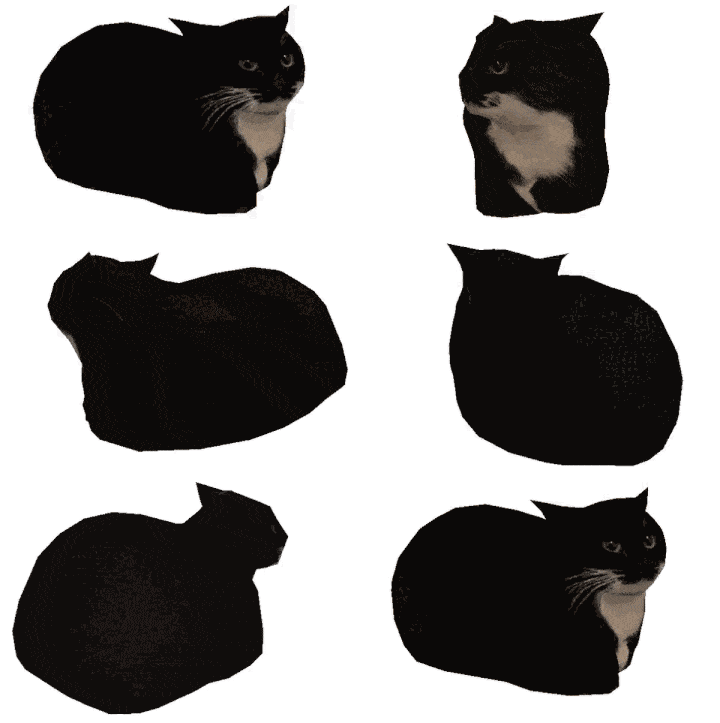
Image: 
Image with reference:

Image with reference: ![image][michael-img]

[michael-img]: https://c.tenor.com/cszBoD9PIa0AAAAj/miguel-cat.gif
Linked image:

Linked image: [![image][floppa-img]](https://en.wikipedia.org/wiki/Caracal)

[floppa-img]: https://avatars.steamstatic.com/1cfdee9bd003f0559d045b6223b321dd36c34958_full.jpg
Linked image with reference:
Linked image with reference: [![image-text][image-url]][link-url]

[image-url]: https://images-na.ssl-images-amazon.com/images/I/31et8TPy4oL._AC_UL160_SR160,160_.jpg
[link-url]: https://en.wikipedia.org/wiki/Among_Us
Change image size:

Change image size: <img src="https://m.media-amazon.com/images/I/51QZo3T69dS._AC_SL1300_.jpg" width="80" height="40">
Back to top link.
[Back to top](#top) link.
Footnotes
-
The footnote is at the bottom of the page. ↩