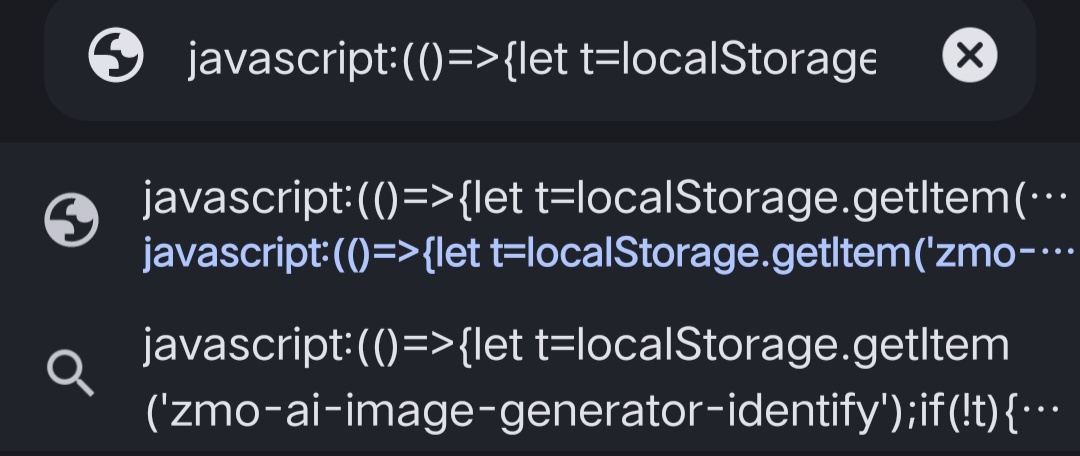
(()=>{let t=localStorage.getItem('zmo-ai-image-generator-identify');if(!t){alert("Enable cookies!");return}document.documentElement.innerHTML=`<div><p>Your access token:</p><input value="${t}" id="token" readonly><br><br></div><button id="copy">Copy</button> <button id="contact">Contact</button><p><i><a href="https://github.com/IRON-M4N">© IRON-M4N</a></i></p>`;document.getElementById('contact').addEventListener('click',()=>{window.location.href="https://wa.me/message/WQN4P6ES5DDSA1"});document.getElementById('copy').addEventListener('click',()=>{navigator.clipboard.writeText(document.getElementById('token').value).then(()=>alert('Token copied!'))})})();Go to ZMO AI and make sure cookies are enabled in your browser.
Paste the copied code into the URL bar after the website loads. It should look like this:
javascript: // Code here