Skip to content

Instantly share code, notes, and snippets.

View ajbozarth's full-sized avatar

Alex Bozarth ajbozarth

View GitHub Profile
@ajbozarth
ajbozarth / beads-setup.md
Last active February 11, 2026 21:49
Guide to integrating Beads issue tracking with IBM Bob AI coding assistant

Setting Up Beads Locally for Use with IBM Bob

This guide documents my process for installing Beads, initializing it in my project, and integrating it with IBM Bob.

Install Beads

Install the bd CLI using Homebrew:

brew install beads
@ajbozarth
ajbozarth / oqsopenssl.md
Last active December 13, 2023 02:33
Quantum-Safe OpenSSL Development Environment Setup

Prerequisites

Set WORKSPACE to whatever dir you will be running these steps.

# If you are not running as root you might need to use "sudo apt" instead
sudo apt update
sudo apt -y install git build-essential perl cmake autoconf libtool zlib1g-dev

export WORKSPACE=~/quantumsafe # set this to a working dir of your choice

@ajbozarth
ajbozarth / README.md
Created October 6, 2021 16:52 — forked from fcollonval/README.md
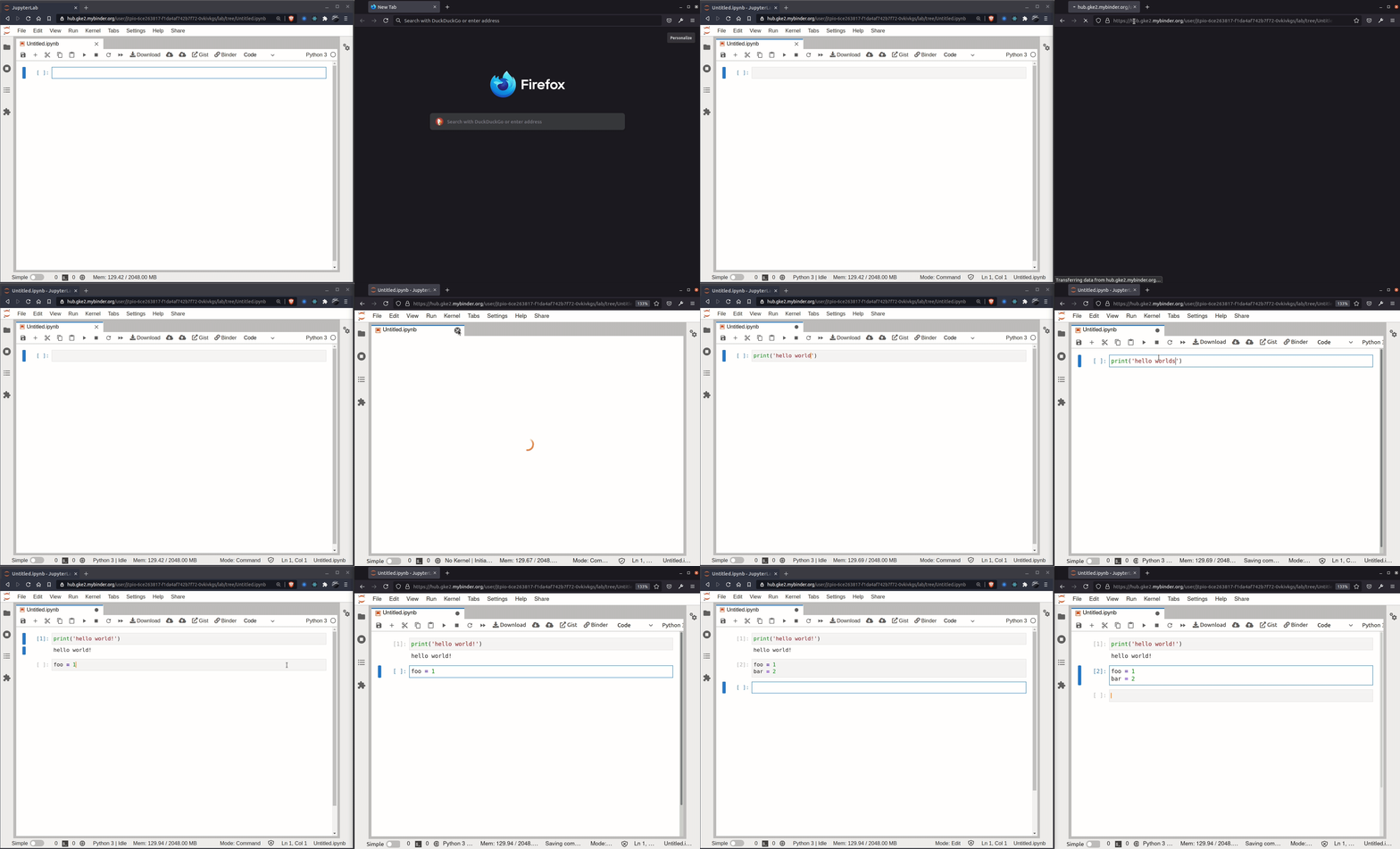
JupyterLab 3.1.14

JupyterLab 3.1.14 on Binder

Binder

Features

  • Real Time Collaboration enabled

rtc-demo

@ajbozarth
ajbozarth / mybutton.ts
Last active April 23, 2020 20:27
A simple JupyterLab widget that adds a button to the Notebook toolbar
import {ToolbarButton} from "@jupyterlab/apputils";
import {DocumentRegistry} from "@jupyterlab/docregistry";
import {INotebookModel, NotebookPanel} from "@jupyterlab/notebook";
import {IDisposable} from "@lumino/disposable";
export class ButtonExtension implements DocumentRegistry.IWidgetExtension<NotebookPanel, INotebookModel> {
createNew(panel: NotebookPanel, context: DocumentRegistry.IContext<INotebookModel>): IDisposable {
// Create the toolbar button
let mybutton = new ToolbarButton({