| title | tags |
|---|---|
Material Icons Customization |
vs code extensions, material icons customization |
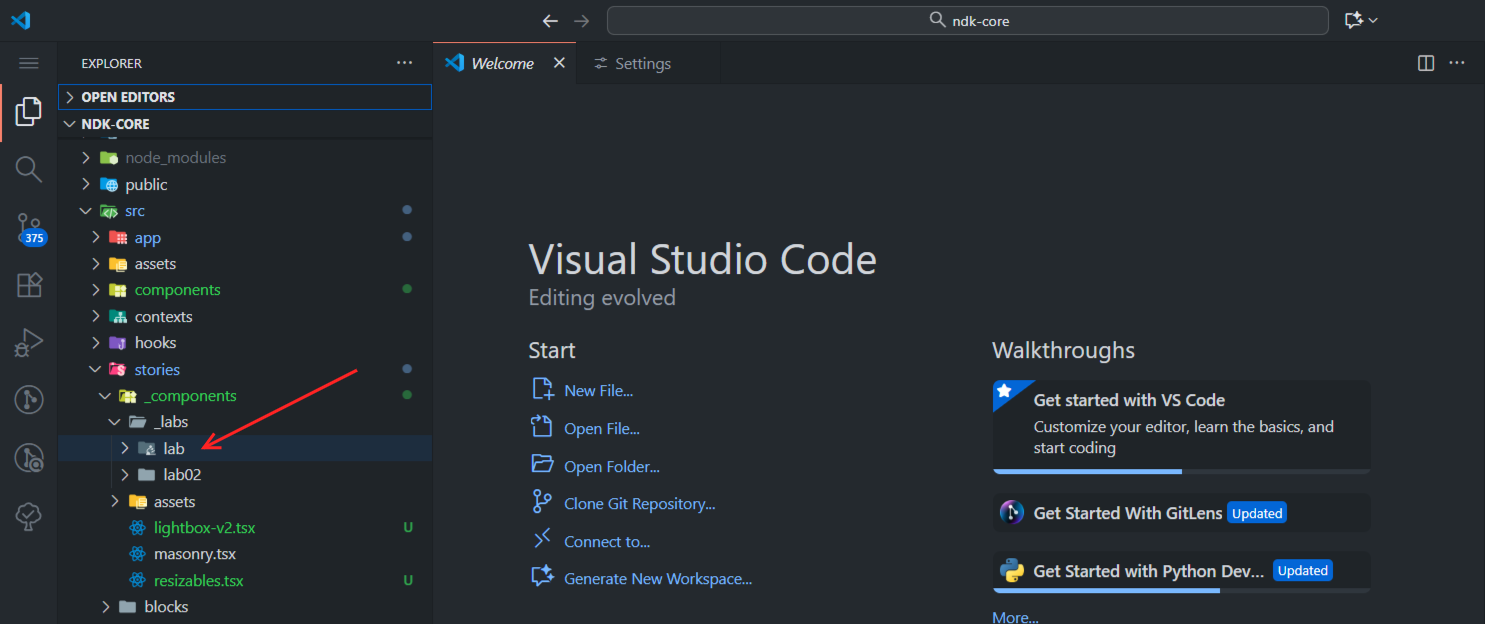
Took me a while to figure it out but you can customize the folder icons for Material Icon theme (Published by Philipp Kief, v5.28.0). I followed the instructions outlined in the details tab of the extension page.
Before we begin, make sure you prepare 2 SVG icons for the folder you want to customize, one for the closed state and the other for the opened state. Here is a sample SVG for a folder name lab :  .
.
You can call them whatever you want, but be sure to attach -open before the extension for the opened state SVG.
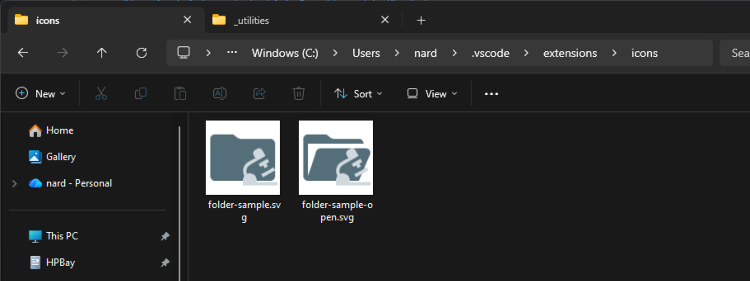
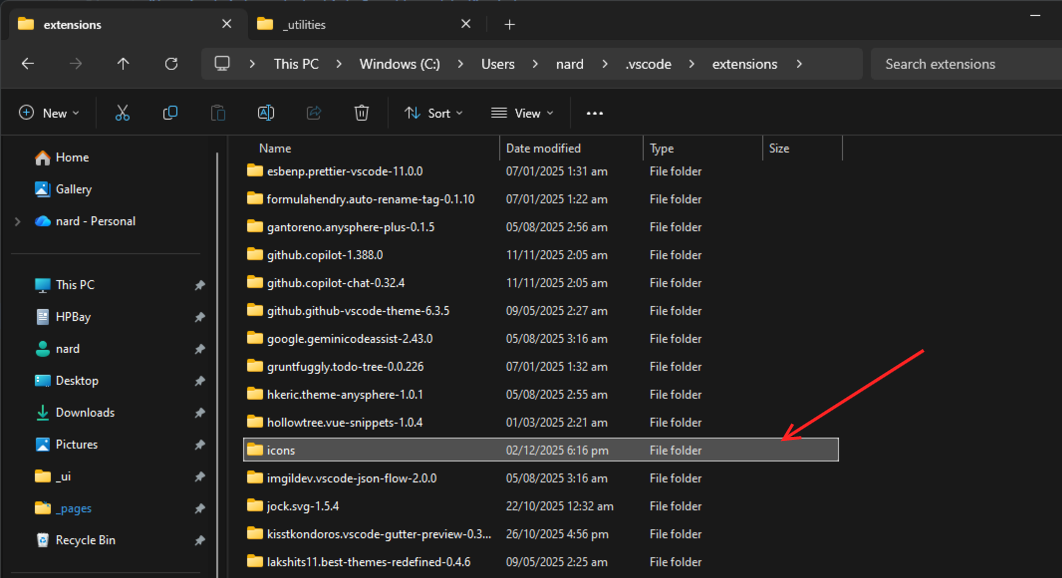
Next, you have to move the icons to a folder on your system where the extension can reach. For this to work, you have to drop them in a custom folder (I named mine "icons") in the VS Code extensions folder. The is usually in your root folder: <user>/.vscode/extensions/
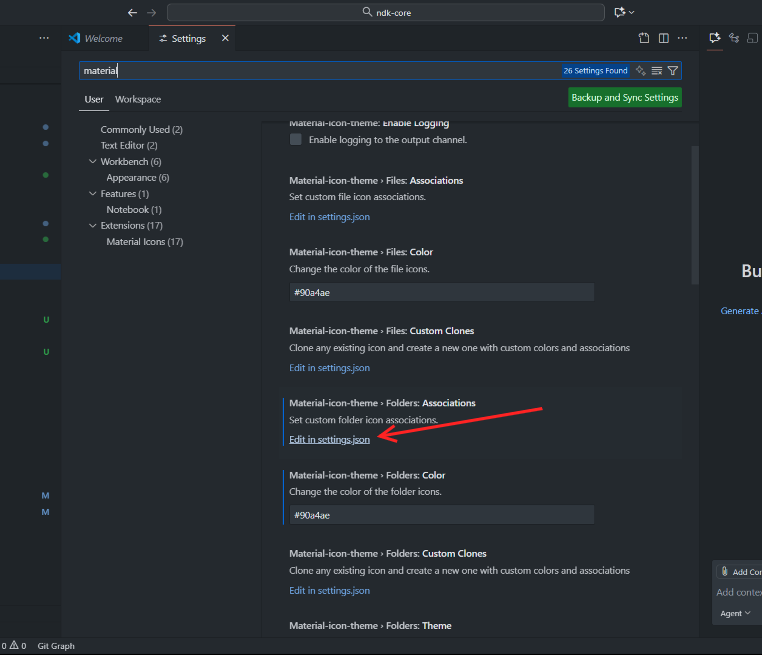
The last thing to do is to update Material Theme Icons' config in the user settings.json file. To access this, search for "material" in settings and click on "Edit in settings.json" link under "Material Icons > Folders: Associations ", and add the following snippet (
  "material-icon-theme.folders.associations": {
    "lab": "../../../../icons/folder-sample"
  }
Clicking that link usually scaffolds the config object for you so all you have to do is add the
<folder-name>:<path>value pairs.
Now, create a folder with the name lab and our new icons will be applied. (You may need to restart VS Code after this).
Final result: