
I think the idea of Expo UI is to provide components that are then natively implemented by:
- Swift UI for iOS
- Jetpack Compose for Android
I am not sure whether the component needs to exist for both and to what extend they need to be complete primitives or can be higher order, i.e. a common combination of them.
| Name | iOS | Android | Expo UI | Notes |
|---|---|---|---|---|
| Button | 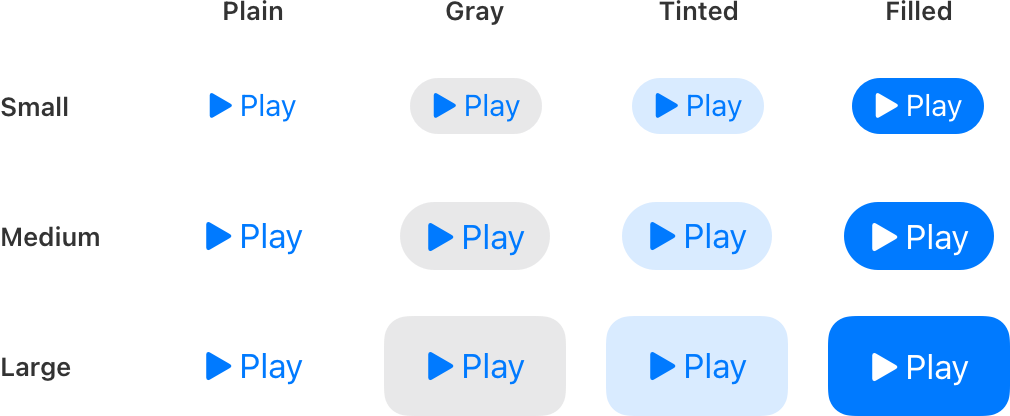 url url |
 url url |
url | What about Floating Action Button? |
| Picker / Segmented Button | 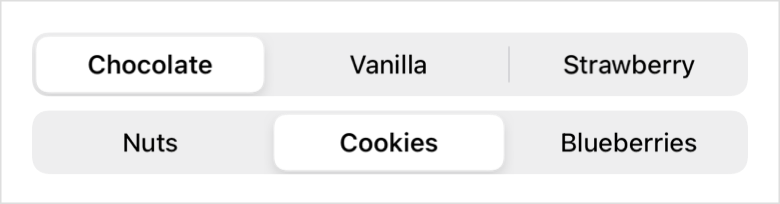 url url |
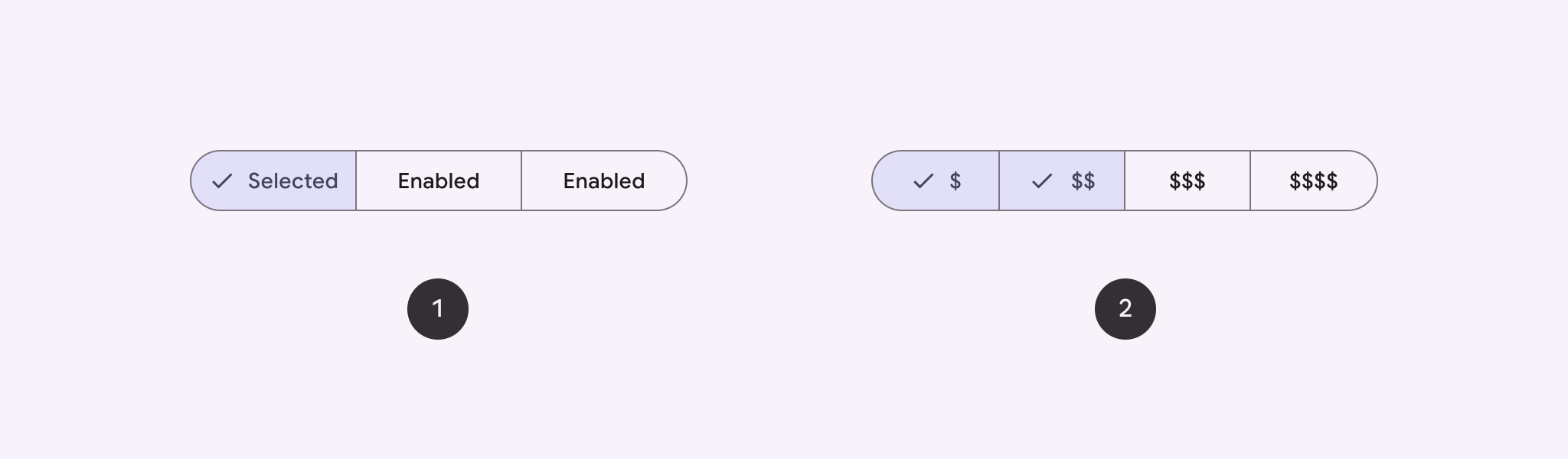 url url |
url | on iOS it is more a scrollable date picker, very different on Android |
| Section |  url url |
N/A | url | Only implemented in iOS, maybe Card can be used on Android? |
| Slider |  url url |
 url url |
url | |
| Switch / Toggle / Checkbox |  url url |
 url url |
url | |
| Context Menu / Drop-down Menu |  url url |
 url url |
url | |
| Color Picker | url | N/A | url | Does not exist in Jetpack Compose |
| Date(time) Picker |  url url |
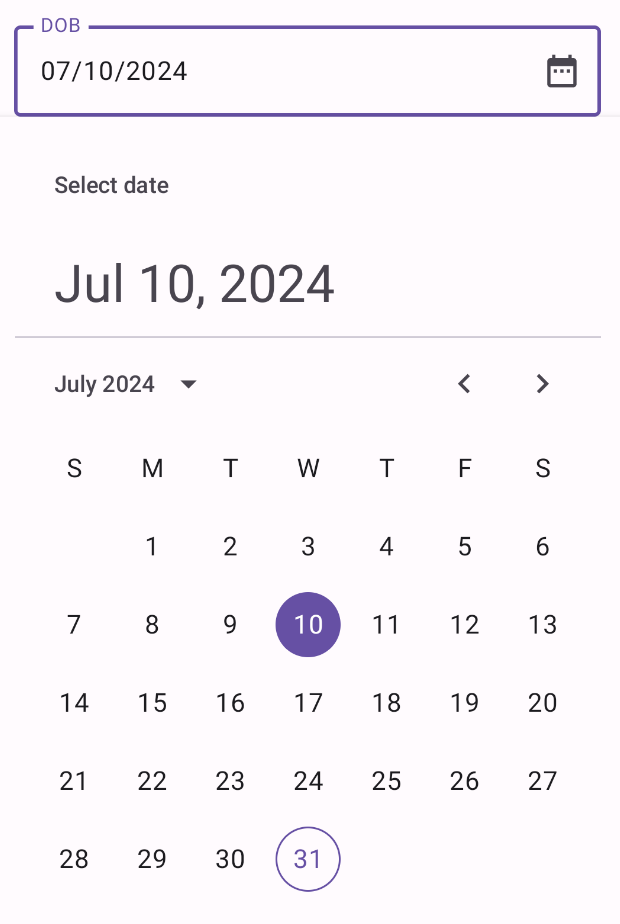 url url url url |
url | |
| Gauge | url | N/A | url | Still WIP, no Android implementation |
| TODO | url | url | url |
- Scaffold (Probably not relevant, also no direct Swift UI equivalent)
- App Bars (Probably already covered by other libraries, like react-native-bottom-tabs)
- Badges (No direct Swift UI equivalent, they only have it natively for TabView or List as a modifier)
- Bottom Sheet (this would be cool to have natively, instead of e.g. react-native-bottom-sheet)
- Card (Probably not relevant as it can be achieved with React Native primitives)
- Chip (No direct Swift UI equivalent)
- Dialog
- Divider
- Drawer
- Floating Action Button
- Lists and grids
- Progress
- Pull to Refresh
- Radio button (Swift UI equivalent: Picker with
.pickerStyle(.radioGroup)) - Snackbar