- Checkout by depot-tools [https://v8.dev/docs/source-code]
git clone https://chromium.googlesource.com/chromium/tools/depot_tools.git ~/.v8/depot_tools
export PATH=~/.v8//depot_tools:$PATH
gclient
cd path/to/v8/folder
fetch v8


| // -------------- VEX -------------- | |
| chramp() | |
| f@Frame f@Time | |
| i@name = value | |
| i[]@name = array() | |
| v@P v@Cd i@ptnum i@vtxnum i@primnum | |
| i@numpt i@numvtx i@numprim i@numelem | |
| @N @scale |

git clone https://chromium.googlesource.com/chromium/tools/depot_tools.git ~/.v8/depot_tools
export PATH=~/.v8//depot_tools:$PATH
gclient
cd path/to/v8/folder
fetch v8

| using UnityEngine; | |
| using UnityEngine.InputSystem; | |
| /// <summary> | |
| /// A simple camera orbit script that works with Unity's new Input System. | |
| /// </summary> | |
| public class CameraTranslateAndOrbit : MonoBehaviour | |
| { | |
| public float zoomSpeed = 1; |

| #!/bin/bash | |
| # Must have git, homebrew, and xcode to install | |
| # Make sure to change line 29 and line 30 according to your mac OS and xcode versions | |
| # Install ninja compiler | |
| brew install ninja | |
| # Install CMake for makefile | |
| brew install cmake |

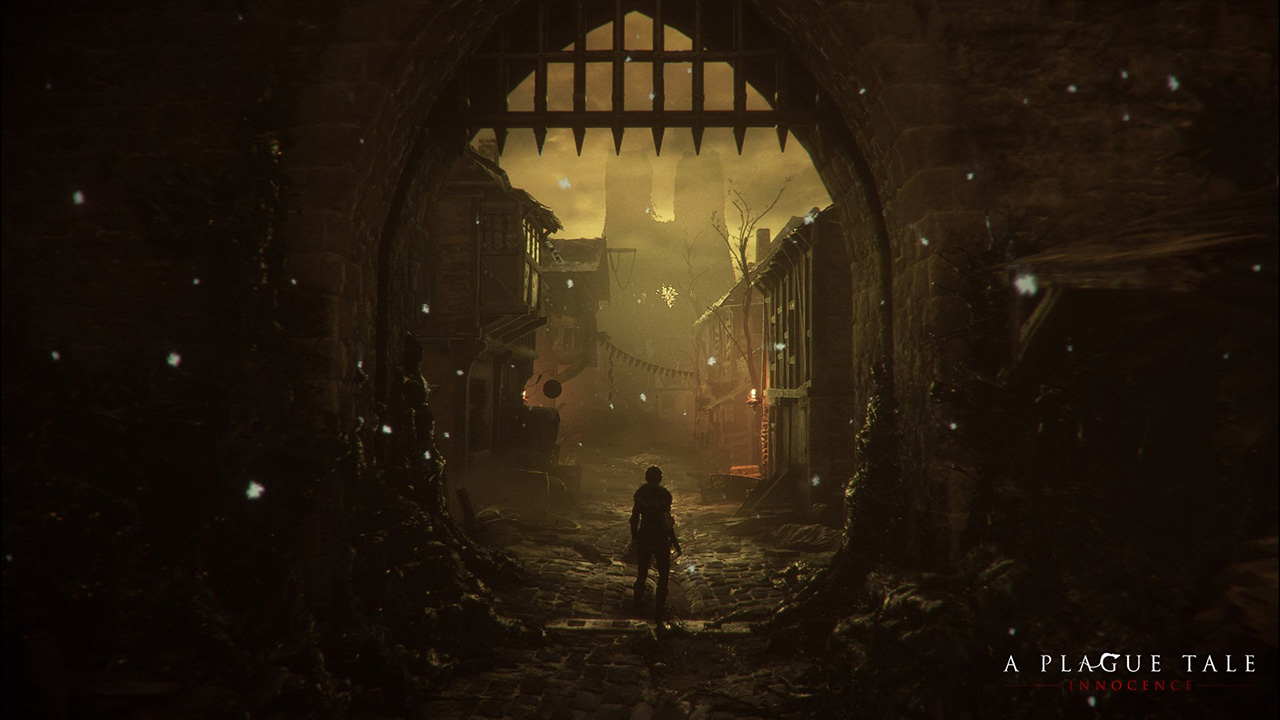
WARNING: Article moved to separate repo to allow users contributions: https://github.com/raysan5/custom_game_engines
A couple of weeks ago I played (and finished) A Plague Tale, a game by Asobo Studio. I was really captivated by the game, not only by the beautiful graphics but also by the story and the locations in the game. I decided to investigate a bit about the game tech and I was surprised to see it was developed with a custom engine by a relatively small studio. I know there are some companies using custom engines but it's very difficult to find a detailed market study with that kind of information curated and updated. So this article.
Nowadays lots of companies choose engines like [Unreal](https:

| // On the basis: https://forum.unity.com/threads/export-obj-while-runtime.252262/ | |
| // How to use: | |
| // Put file to Assets/Editor folder | |
| // then select GameObject -> Export selected objects | |
| // in Unity's main panel. | |
| using UnityEngine; | |
| using UnityEditor; | |
| using System.Collections; | |
| using System.Collections.Generic; |

| using UnityEngine; | |
| [RequireComponent( typeof(Camera) )] | |
| public class FlyCamera : MonoBehaviour { | |
| public float acceleration = 50; // how fast you accelerate | |
| public float accSprintMultiplier = 4; // how much faster you go when "sprinting" | |
| public float lookSensitivity = 1; // mouse look sensitivity | |
| public float dampingCoefficient = 5; // how quickly you break to a halt after you stop your input | |
| public bool focusOnEnable = true; // whether or not to focus and lock cursor immediately on enable |

| Shader "AR Proxy" | |
| { | |
| Properties | |
| { | |
| } | |
| SubShader | |
| { | |
| Tags | |
| { |

| // Standard shader with triplanar mapping | |
| // https://github.com/keijiro/StandardTriplanar | |
| Shader "Standard Triplanar Slots" | |
| { | |
| Properties | |
| { | |
| _Color("", Color) = (1, 1, 1, 1) | |
| _MainTex("", 2D) = "white" {} |
