
1- Through your terminal, make sure that you have mysql by running:
which mysql2- If you got the path means you have mysql and you can verify mysql status by running:
brew services listYou will find mysql as stopped status
3- If you don't have mysql path, then you need to install:
brew install mysql4- Start mysql if you just install or incase you have stopped status
brew services start mysql5- Connect to mysql via:
mysql -h localhost -uUSER_NAME -p;and on password, click enter (without password), however, you can setup a password...
6- Create your db:
create database NAME_OF_YOUR_DB;7- If you have a DB dump on your local, then import by running from CLI, or simply import from mysqlWorkbench GUI:
mysql -h YOUR_HOST -uYOUR_USERNAME -pYOUR_PASSWORD SCHEMA_NAME < ~/PATH_TO_YOUR_DUMP_FILE/DUMP_NAME.sql7- Now you have you tables, you can query or work through GUI (MYSQLWorkbench)
1- On your cypress root, run the below command to have node.js Client for MySQL protocol:
npm install mysqljs/mysql2- In yopur cypress project, you need to add the following in plugins/index.js
const mysql = require("mysql");
function queryTestDb(query, config) {
  // creates a new mysql connection using credentials from cypress.json env's
  const connection = mysql.createConnection(config.env.db);
  // start connection to db
  connection.connect();
  // exec query + disconnect to db as a Promise
  return new Promise((resolve, reject) => {
    connection.query(query, (error, results) => {
      if (error) reject(error);
      else {
        connection.end();
        // console.log(results)
        return resolve(results);
      }
    });
  });
}

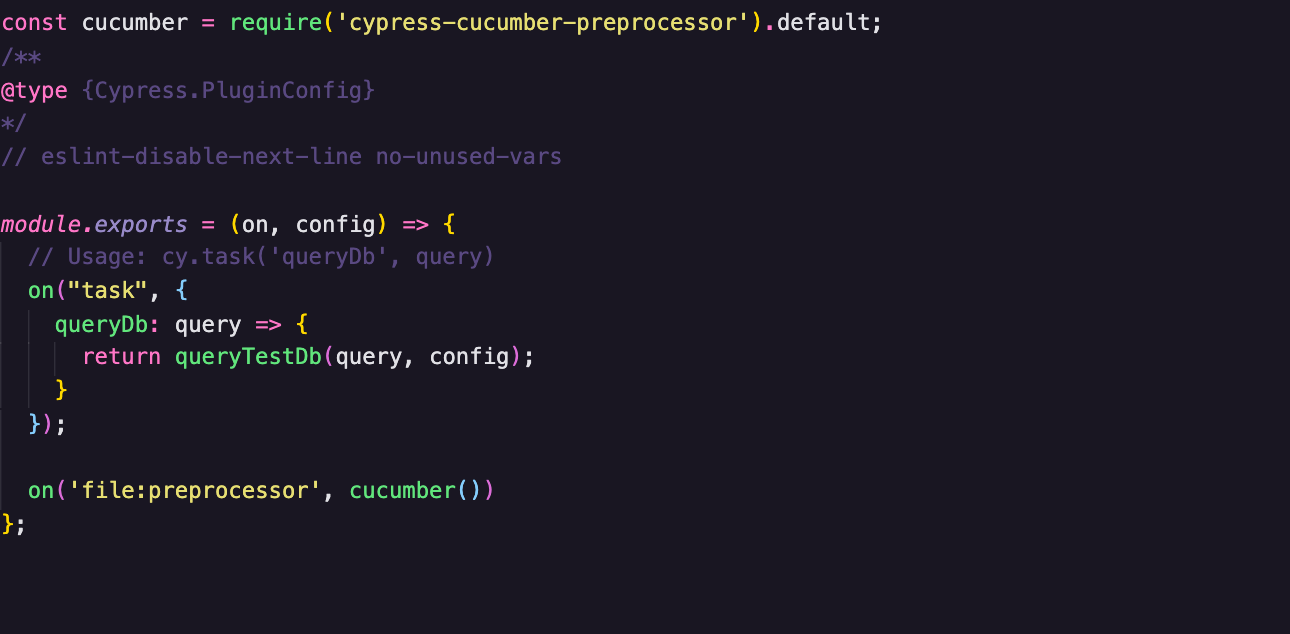
module.exports = (on, config) => {
  // Usage: cy.task('queryDb', query)
  on("task", {
    queryDb: query => {
      return queryTestDb(query, config);
    }
  });
};
keeping in mind that const connection is loading db from env object
3- Add the follwoing to cypress.json
"db": {
      "host": "127.0.0.1",
      "user": "YOUR_USERNAME",
      "password": "YOUR_PASSWORD"
    }
4- Now, in your spec.js file you can call cy.task as following:
cy.task("queryDb",`SELECT * FROM SCHEMA_NAME.TABLE_NAME WHERE COLUMNS_NAME='VALUE'`);5- Incase you need to run any assertion:
cy.task(
      "queryDb",
      `SELECT * FROM SCHEMA_NAME.TABLE_NAME WHERE COLUMNS_NAME='VALUE'`
    ).then(count => {
      expect(count).to.have.lengthOf(1);
    });




Hi, if I understand you correctly, you are trying to clear a database record before your next test run.
In this case, you can SQL statement as a
before()orbeforeEach()hook in your teste.g.