
TL;DR:
The Logitech GHub application faces an issue where it gets stuck in an infinite loop during initialization.
The image provided illustrates this problem.
Different attempted solutions include reinstalling and updating the application, which did not work. A working solution involves editing ~/.zshrc or ~/.bashrc using an OSX terminal and including specific aliases. After this, the user needs to manually reload the file and then kill and relaunch the application using terminal commands.
sudo pkill -i lghub; sleep 5; open /Applications/lghub.appThe problem is that the Logitech GHub application gets stuck in an infinite loop during its initialization, as can be seen in the following image:
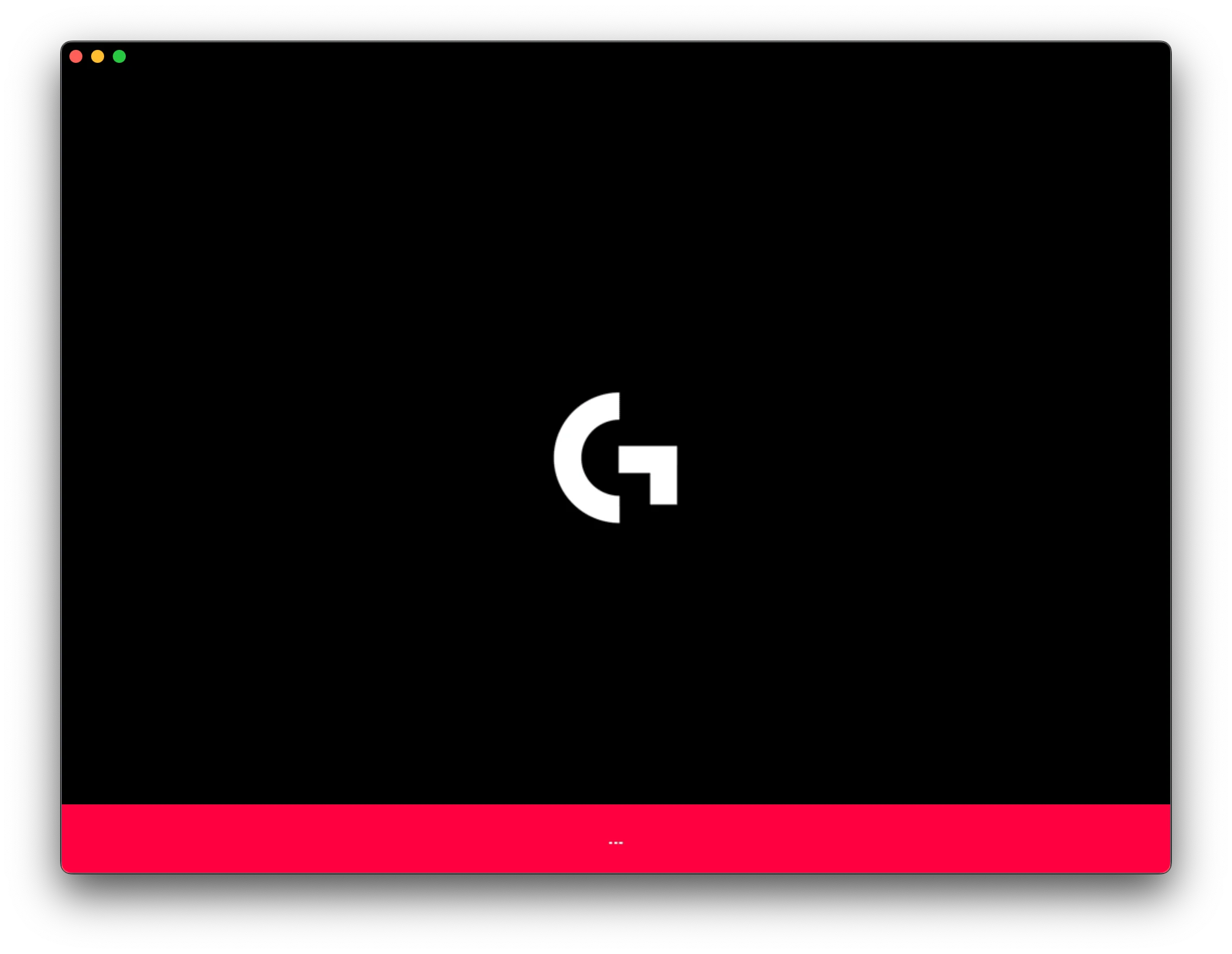
After investigating various solutions, including reinstalling and updating the application (spoiler: it doesn’t work!).
The only solution I have found that actually works is the following:
- Edit your
~/.zshrcor~/.bashrc(you should use an OSX terminal) to include the following aliases (updated October 2023):
alias ghub-kill="sudo kill \$(ps aux | grep lghub | grep -v grep | awk '{print \$2}');"

alias ghub='open /Applications/lghub.app/Contents/MacOS/lghub_agent.app; open /Applications/lghub.app/Contents/MacOS/lghub_updater.app; open /Applications/lghub.app;'-
Manually reload the file with
source ~/.zshrcorsource ~/.bashrc -
Kill the application in the terminal with
ghub-killand relaunch it withghub
👍 Kudos to the Reddit user: Mendeln12 who, in this thread, which is undervalued and indexed, found the solution.