Skip to content

Instantly share code, notes, and snippets.

@tanaikech
tanaikech / submit.md
Created July 25, 2023 07:04
Understanding Flow of Request to Web Apps Created by Google Apps Script

Understanding Flow of Request to Web Apps Created by Google Apps Script

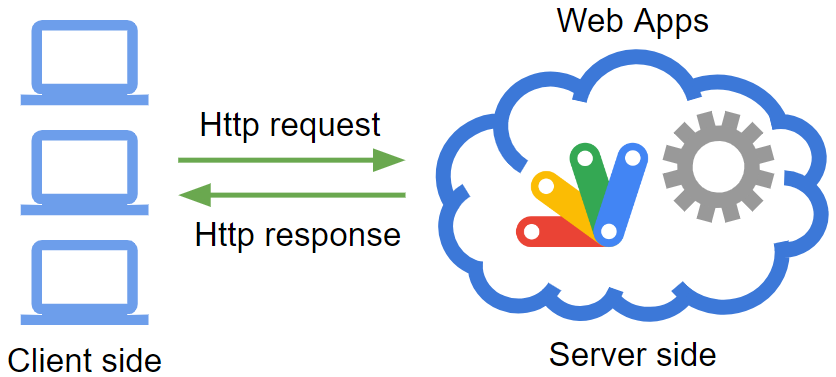
Here, I would like to introduce a report for understanding the flow of the request to Web Apps created by Google Apps Script. There might be a case that various applications using the Web Apps are created and the Web Apps are used as the webhook. In that case, it is considered that when you have understood the flow of requests to the Web Apps, your goal might be able to be smoothly achieved. In this report, I would like to introduce the information about it.

Sample situation

As a sample situation, the sample script for the Web Apps is as follows. And, please set a Spreadsheet ID to work_. In this sample, the data from the request is put into the Spreadsheet. And, the event object is directly returned from the Web Apps.

@tanaikech
tanaikech / submit.md
Created July 5, 2019 02:03
Linking Cloud Platform Project to Google Apps Script Project

Linking Cloud Platform Project to Google Apps Script Project

Introduction

At April 8, 2019, the specification of Google Apps Script Project was changed. You can see this at Google Cloud Platform Projects. The official document says as follows.

Warning: Starting on or after April 8, 2019, the Google Cloud Platform Console won't be able to access the default GCP projects created for new Apps Script projects. Older, existing scripts may have default GCP projects that are still accessible, however. If you have a new script and require access to its GCP project from the Google Cloud Platform Console, you must use a standard GCP project.

And then,