Skip to content

Instantly share code, notes, and snippets.

View lihaochen910's full-sized avatar
🏠
Working from home

Kanbaru lihaochen910

🏠
Working from home
View GitHub Profile
using MoonTools.ECS;
using Pathogen.Game.ECS.Components;
using System.Numerics;
using ECSSystem = MoonTools.ECS.System;
namespace Pathogen.Game.ECS.Systems;
/// <summary>
/// Sets the TransformMatrixComponent component for entities in the world.
/// </summary>
@trojanfoe
trojanfoe / build-shadercross.py
Last active November 22, 2025 18:14
Build SDL_shadercross
#!/usr/bin/env python3
#
# Builds the SDL_shadercross tool and installs it locally.
#
# Prerequisites:
# Python 3
# Git
# C++ compiler
# CMake
# Ninja
@phnix-dev
phnix-dev / Signals.cs
Last active October 9, 2022 17:33
Godot signals for c#
// This file is licensed under the Mozilla Public License 2.0.
public static class Signal
{
public static class AcceptDialog
{
public const string CONFIRMED = "confirmed";
public const string CUSTOM_ACTION = "custom_action";
}
@unitycoder
unitycoder / Sprites_ScrollFX-ScreenSpace.shader
Last active February 14, 2024 01:36
Scrolling Sprite Shader Effect
// Unity buit-in shader source. Copyright (c) 2016 Unity Technologies. MIT license (see license.txt)
// modified to add scrolling lines fx, use black and white mask texture for scrollingtex. - unitycoder.com
Shader "Sprites/ScrollFX (ScreenSpace)"
{
Properties
{
[PerRendererData] _MainTex("Sprite Texture", 2D) = "white" {}
_ScrollTex("Scroll Texture", 2D) = "white" {}
@KW-M
KW-M / Unreal Engine 5 Installed Build Guide.md
Last active November 12, 2025 10:49
How to build Unreal Engine 5 source into an installed (AKA standalone, AKA rocket, AKA "just like" Unreal Engine from the Epic Games Launcher) editor build
  • This guide assumes you want to build the Unreal Engine 5 (UE5) editor from source in order to get a Windows Unreal Engine 5 Editor to share with a team or studio
  • This was writen with the absolute minimum build requirements for our team to avoid taking more disk space and compile time than needed - please modify to fit your needs.
  • Keep in mind that, as of writing, I have little experience with the Unreal build tools, I'm simply documenting what worked for me.
  • Also see this excellent blog post especially if you are building Unreal Engine 4 (UE4): https://www.edwardbeazer.com/unreal-installed-builds-rocket-buids/

Steps

  1. If you do not have it already, download git bash. https://gitforwindows.org/
  2. Get access to the unreal source repo by following this guide: https://www.unrealengine.com/en-US/ue4-on-github
  3. Install Visual Studio 2019 on the C:\ drive for UE5 (Visual Studio 2017 for ue4)
  • Make sure to install the desktop c++ components, windows sdk (current version should be selected by
@jam1garner
jam1garner / switch-gdb-cheatsheet.md
Last active December 11, 2025 16:51
GDB for Switch Modding Cheatsheet/Tutorial

This is a mini-tutorial of sorts for getting started with gdb on the Switch, with the target audience being people who want to mod and/or reverse games, with no prerequisite knowledge of gdb. The goal will be to walk you through some of the basic workflows needed to use a debugger on the Switch, while being brief enough for skimming for when you forget things.

If some part is unclear, your OS doesn't have install instructions, or you feel part of your workflow should be added here, feel free to comment any additions.

(If you only need a quick reference Jump to the Appendix)

Installing GDB

First off you'll need a version of GDB compatible with aarch64. This can be obtained via either a distribution of

@TheSpydog
TheSpydog / fna-wasm-instructions.md
Last active September 27, 2025 15:09
How to build your FNA game for WebAssembly

How to build your FNA game for WebAssembly

WARNING: This process is EXTREMELY experimental and not officially supported yet!

Thanks to the ongoing work on .NET WebAssembly support, it is now possible to build FNA games for the web!

If you decide to give this a try, be sure to tell us about it in the FNA Discord! I'm happy to help if you run into problems or have any further questions that are not answered here.

The Basics

@genotrance
genotrance / flecs.nim
Last active July 6, 2024 06:26
Nim wrapper for flecs using nimterop
# nim c -d:flecsGit -r flecs.nim
import os
import nimterop/[cimport, build]
const
baseDir = getProjectCacheDir("nimflecs")
getHeader(
@westonsoftware
westonsoftware / StartScript.cs
Last active May 15, 2025 16:05
Stride 3D rendered into Avalonia
using System;
using Stride.Core.Mathematics;
using Stride.Engine;
using Stride.Rendering;
using Stride.Graphics;
using System.IO;
namespace InfinityGame
{
public class StartScript : SyncScript
@raysan5
raysan5 / custom_game_engines_small_study.md
Last active December 2, 2025 17:16
A small state-of-the-art study on custom engines

CUSTOM GAME ENGINES: A Small Study

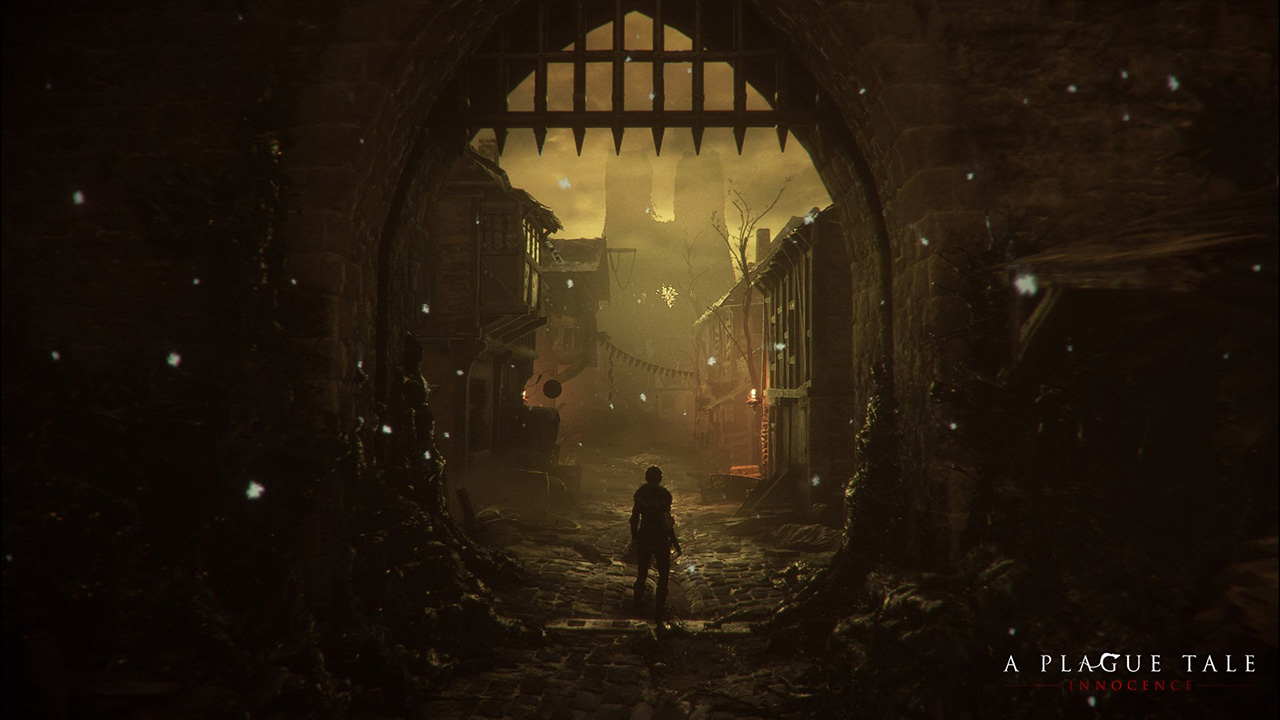
a_plague_tale

WARNING: Article moved to separate repo to allow users contributions: https://github.com/raysan5/custom_game_engines

A couple of weeks ago I played (and finished) A Plague Tale, a game by Asobo Studio. I was really captivated by the game, not only by the beautiful graphics but also by the story and the locations in the game. I decided to investigate a bit about the game tech and I was surprised to see it was developed with a custom engine by a relatively small studio. I know there are some companies using custom engines but it's very difficult to find a detailed market study with that kind of information curated and updated. So this article.

Nowadays lots of companies choose engines like [Unreal](https: