npm i -g @nestjs/cli
yarn add class-validator class-transformeryarn add @nestjs/mapped-types


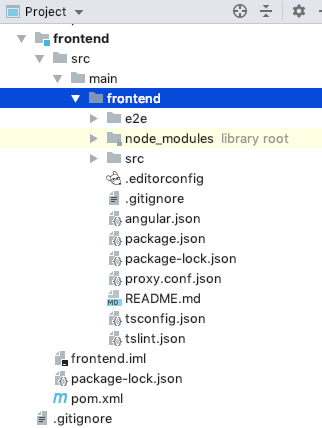
Sometimes git does not exclude files/folders added .gitignore especially if you had commited them before. Here is how to fix it. I am ignoring node_modules from Angular project as an example
.gitignore with the folder/file name you want to ignore. You can use anyone of the formats mentioned below (prefer format1)### Format1 ###
node_modules/

See how a minor change to your commit message style can make a difference.
git commit -m"<type>(<optional scope>): <description>" \
  -m"<optional body>" \
  -m"<optional footer>"

Find the Discord channel in which you would like to send commits and other updates
In the settings for that channel, find the Webhooks option and create a new webhook. Note: Do NOT give this URL out to the public. Anyone or service can post messages to this channel, without even needing to be in the server. Keep it safe!


| # ~/.bashrc: executed by bash(1) for non-login shells. | |
| # see /usr/share/doc/bash/examples/startup-files (in the package bash-doc) | |
| # for examples | |
| # If not running interactively, don't do anything | |
| [ -z "$PS1" ] && return | |
| # don't put duplicate lines in the history. See bash(1) for more options | |
| # ... or force ignoredups and ignorespace | |
| HISTCONTROL=ignoredups:ignorespace |