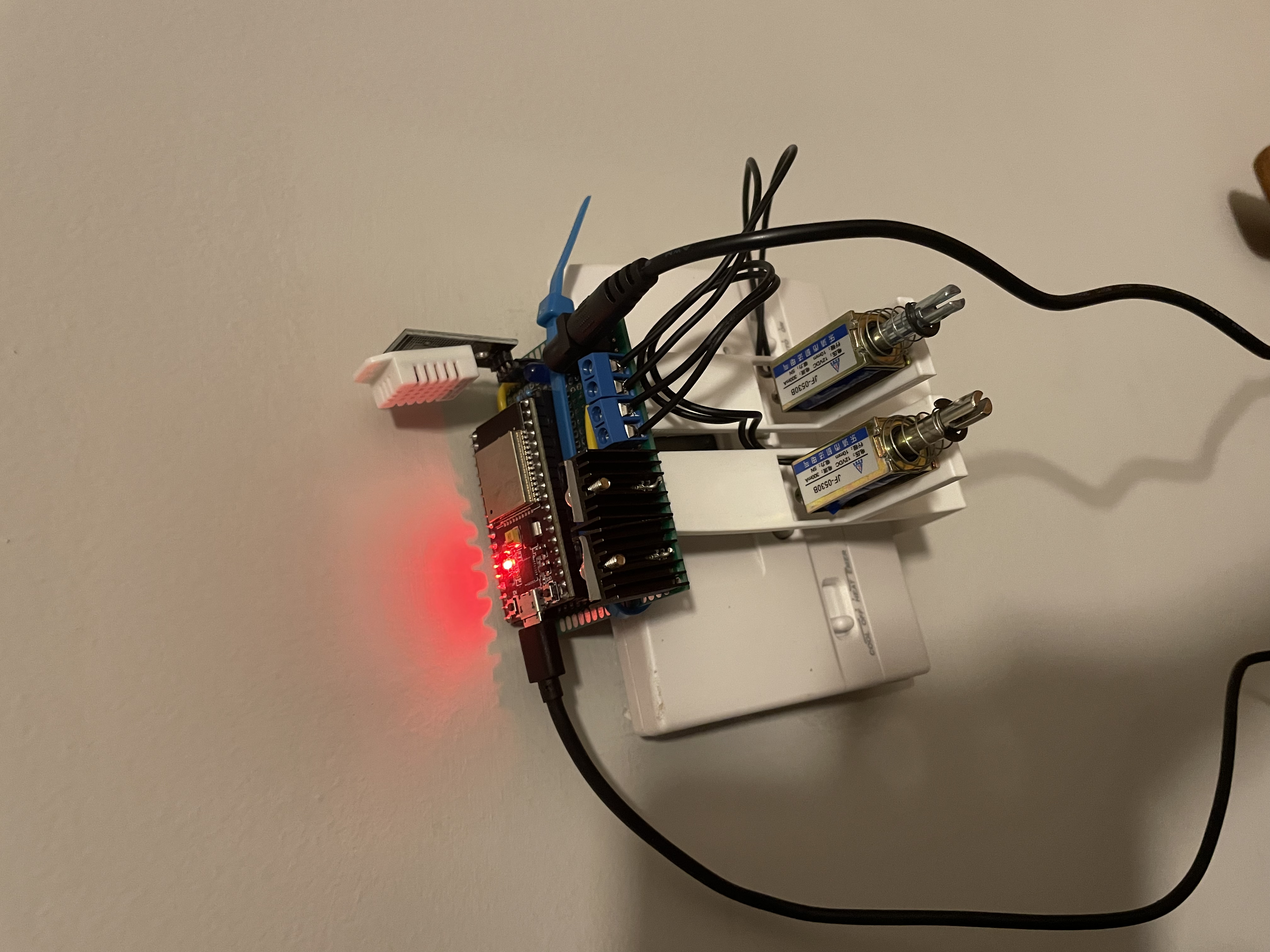
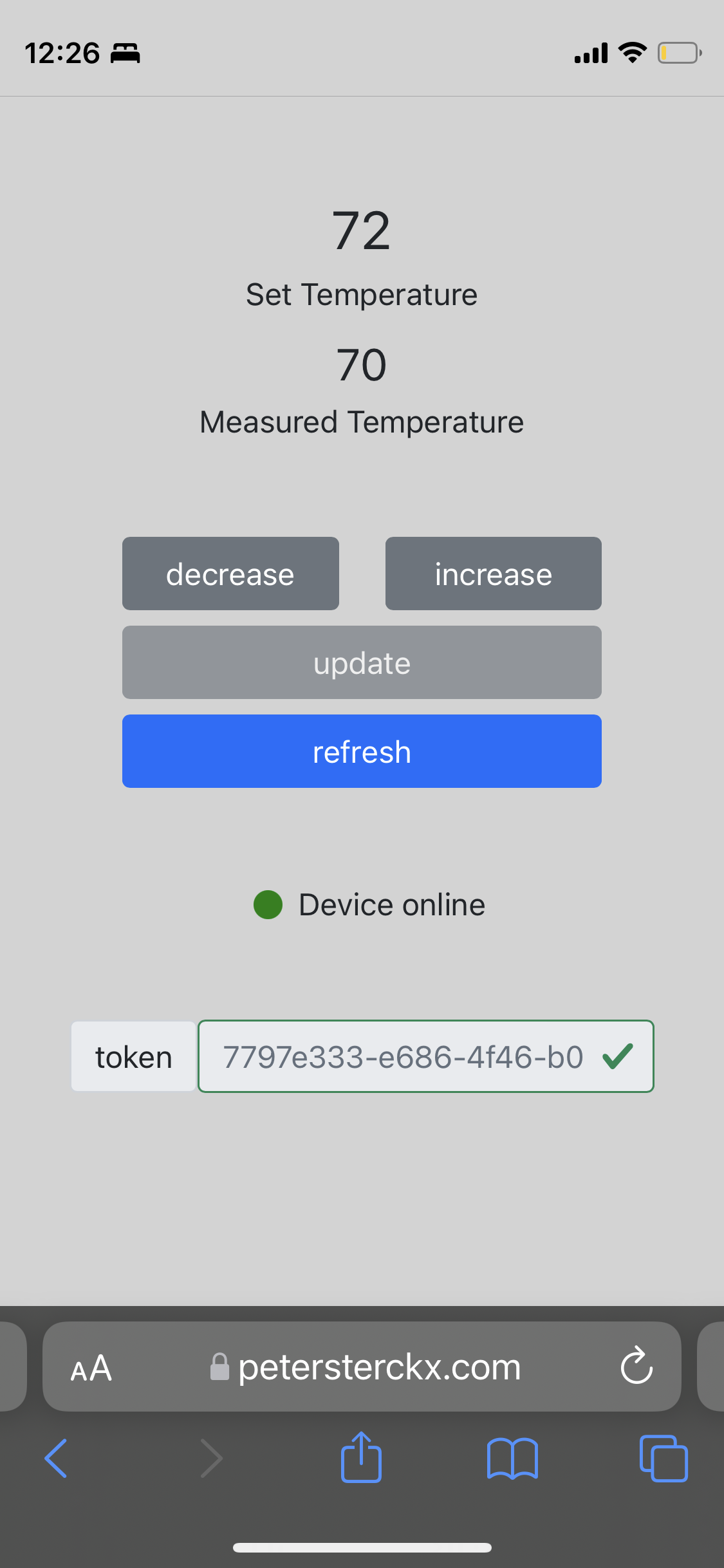
A thermostat control system for my apartment built using AWS IoT Core, an ESP32, some electronics, and a UI built in Vue.
The thermostat in my apartment has a simple control system with two buttons: one to increase the temperature and one to decrease the temperature. No fancy scheduling features or IoT capabilities. So I decided to enhance it.
The ESP32 controls two solenoids that push the buttons on the thermostat. This controller is subscribes to certain AWS IoT Device Shadow MQTT topics, which allows the device to update and react to it's AWS IoT device shadow. An example of the device shadow is shown below.
{
  "state": {
    "desired": {
      "thermostat_temperature": 71
    },
    "reported": {
      "thermostat_temperature": 71,
      "measured_temperature": 71.06
    }
  }
}
When there is a delta in the shadow document (when desired.thermostat_temperature and reported.thermostat_temperature are different), then the shadow sends a message to the update/delta topic with a payload indicating the desired state. The ESP32 is subscribed to this MQTT topic so when a message is received, it uses the information in the payload to change the thermostat's temperature using the solenoids. After updating the temperature, the ESP32 sends a message to the update topic with the updated state payload. AWS IoT is subscribed to this topic and updates the device shadow state accordingly.
The ESP32 is powered through the micro USB port and the solenoids are powered with 12V DC from an external power supply. Two MOSFETS are used to actuate the solenoids using the lower voltage provided by the ESP32 I/O pins. An LED is used to indicate when the ESP32 connects to AWS and when the solenoids are actuated (mostly for testing purposes). I also added an DHT (digital humidity and temperature) sensor to the ESP32 to measure the actual temperature and send it to the device shadow. This data could be saved using AWS IoT Rule Actions to write the data to an S3 bucket, for example.
No code is bug-free and I was worried that the code would somehow get stuck in a loop and push the thermostat buttons indefinitely. I added some guard rails such that if the solenoids are actuated 15 times when changing the temperature, the program will stop actuating the solenoids, send a message to an error MQTT topic, and disconnect. I set up a rule action in AWS IoT to send me a text message through SNS when the device publishes to the error MQTT topic.
The client interacts with the device shadow through an API. The API is built using two Lambda functions and API Gateway. One Lambda is used to interact with the device shadow while the other is an Lambda authorizer used to authorize any requests sent to the API. The authorizer uses a simple token authentication method to allow or deny requests. Both Lambdas are written in Node.
Lastly, I built a Vue app to control the device from the browser. I also created some Siri Shortcuts to interact with the thermostat controller API, making it possible to change the temperature with my voice.
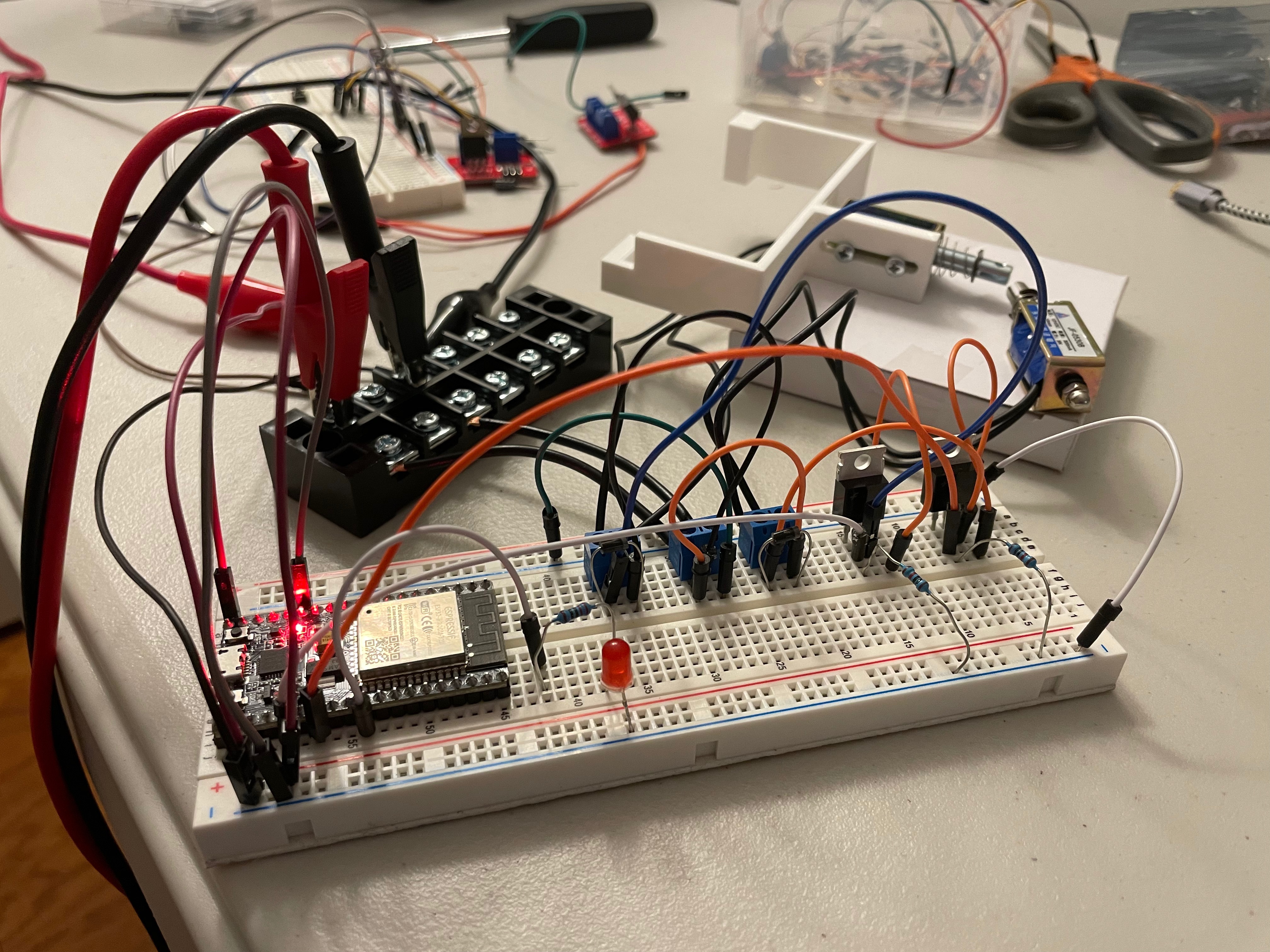
While using the breadboard set up to test, I noticed the solenoids weren't able to push the thermostat buttons. I checked the voltage across the solenoids to find that it was around 8V, when it should have been closer to 12V. Turns out the jumper wires were too small/cheap and the voltage was dropping significantly across some of them. I was able to reach ~12V across the solenoids when using 22 gauge wires.
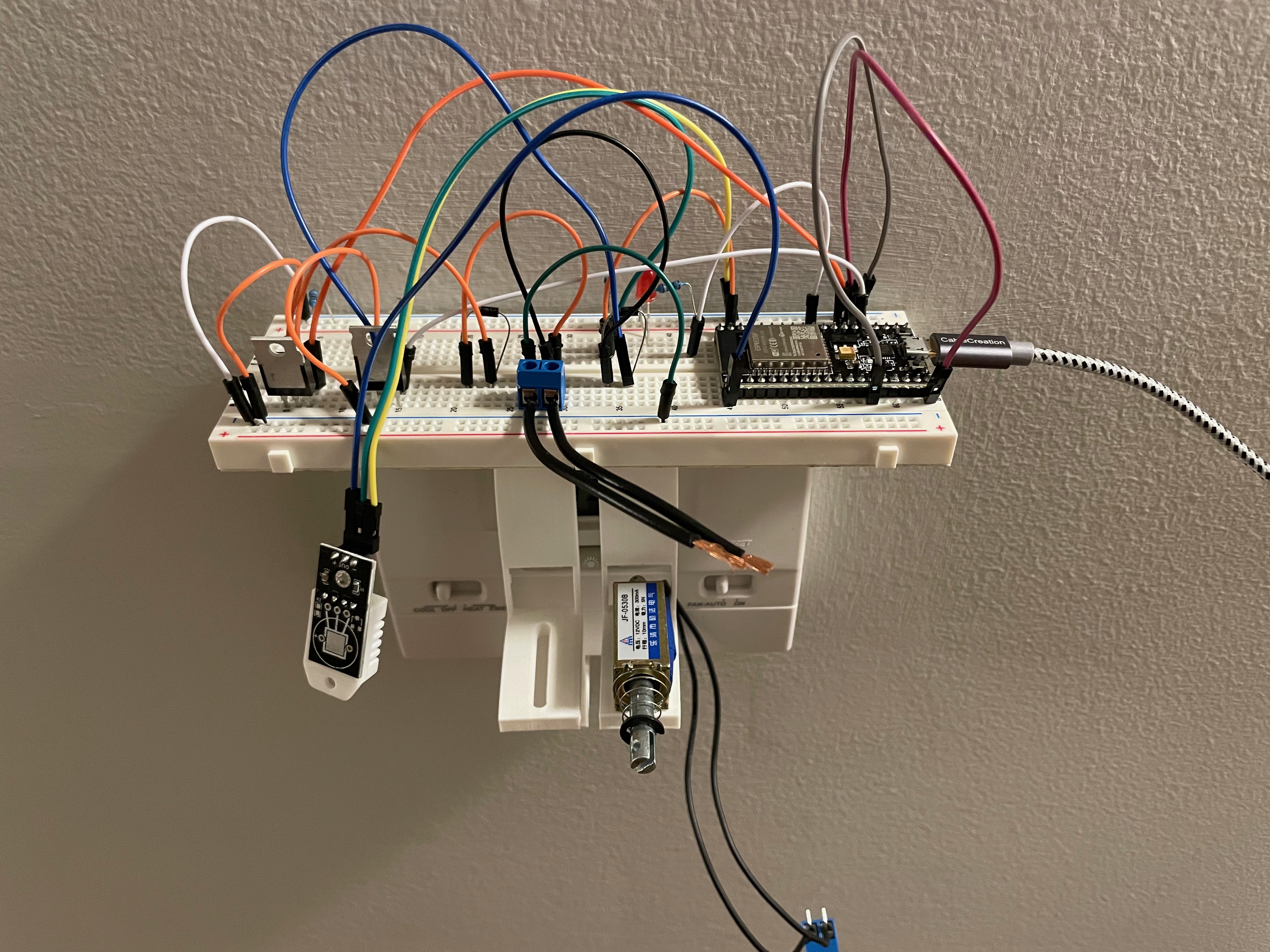
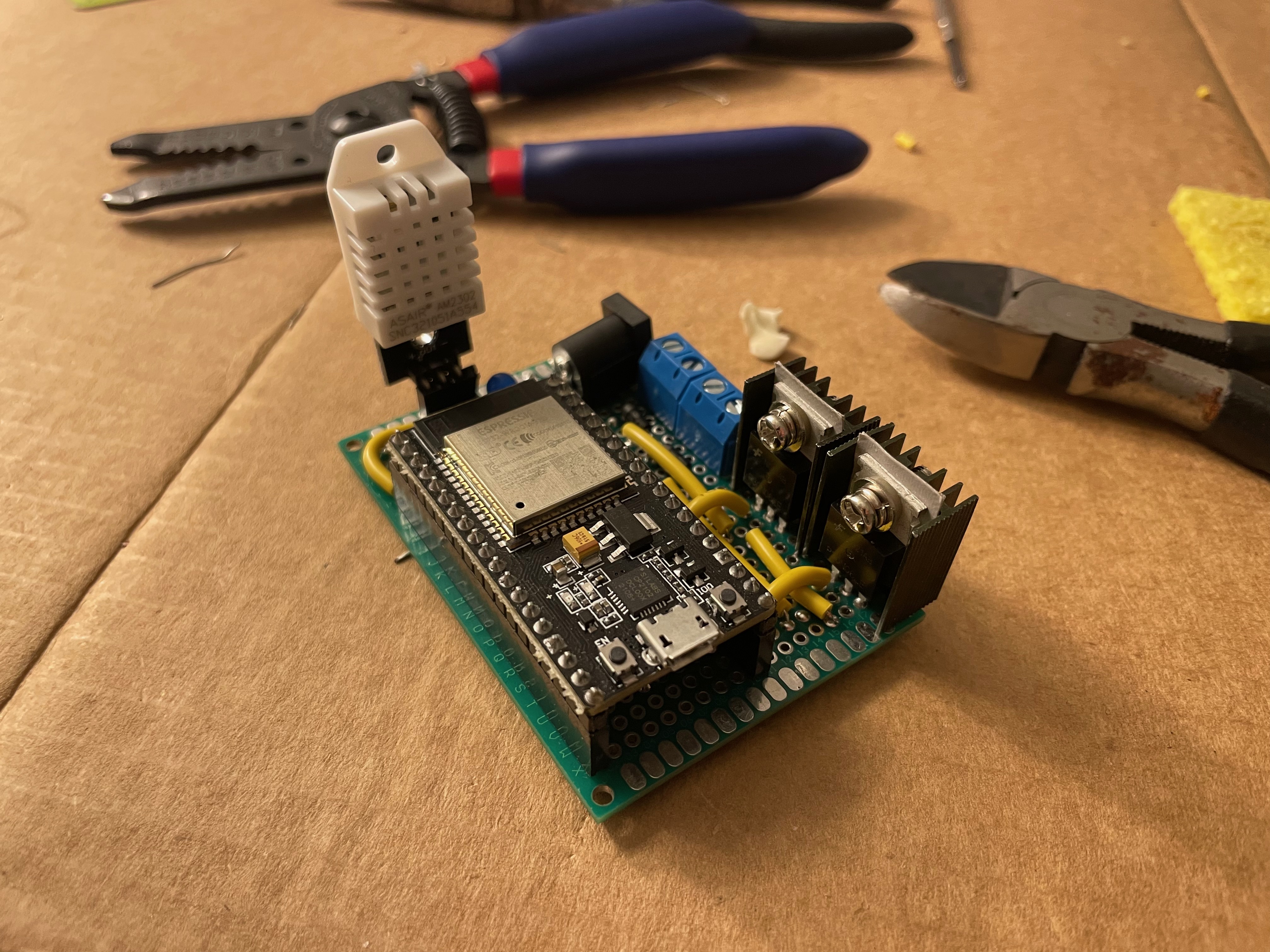
The ESP32 and other electronics sit on top of the 3D printed brackets that are attached to the thermostat.