Skip to content

Instantly share code, notes, and snippets.

@sameerasw
Last active May 1, 2025 00:14
Show Gist options
  • Select an option

  • Save sameerasw/12274932161b8b380fe0433e71fb9a9f to your computer and use it in GitHub Desktop.

Select an option

Save sameerasw/12274932161b8b380fe0433e71fb9a9f to your computer and use it in GitHub Desktop.
My Setup

Sameera's Setup Information

Acer Nitro-5 (2018) - Specs
  • i7-8750H
  • 16GB DDR4
  • GTX1050
  • 1TB HDD + Intel Optane
  • Windows 11 Insider Preview Dev

DEMO

Click the preview to watch the video. image


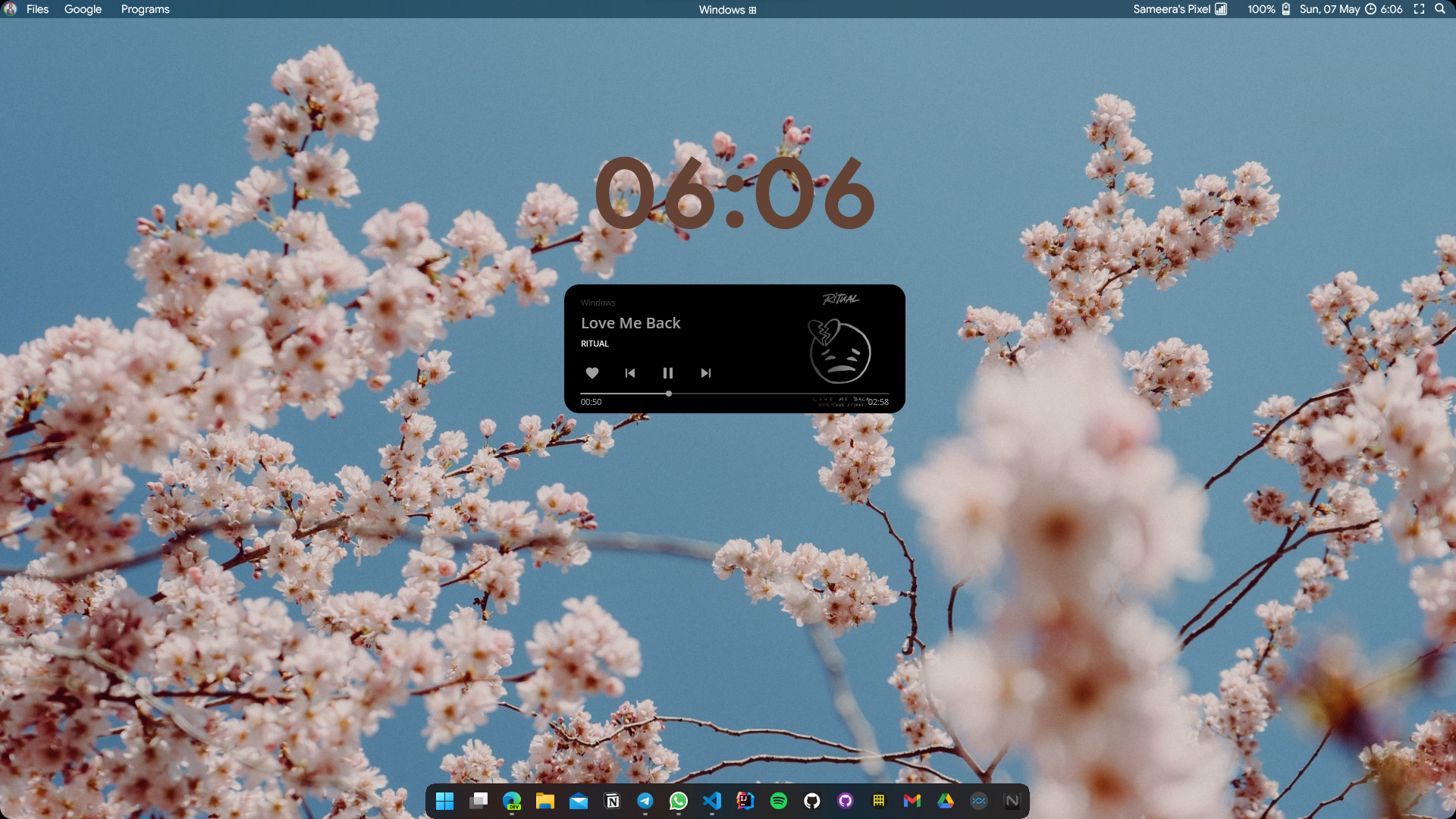
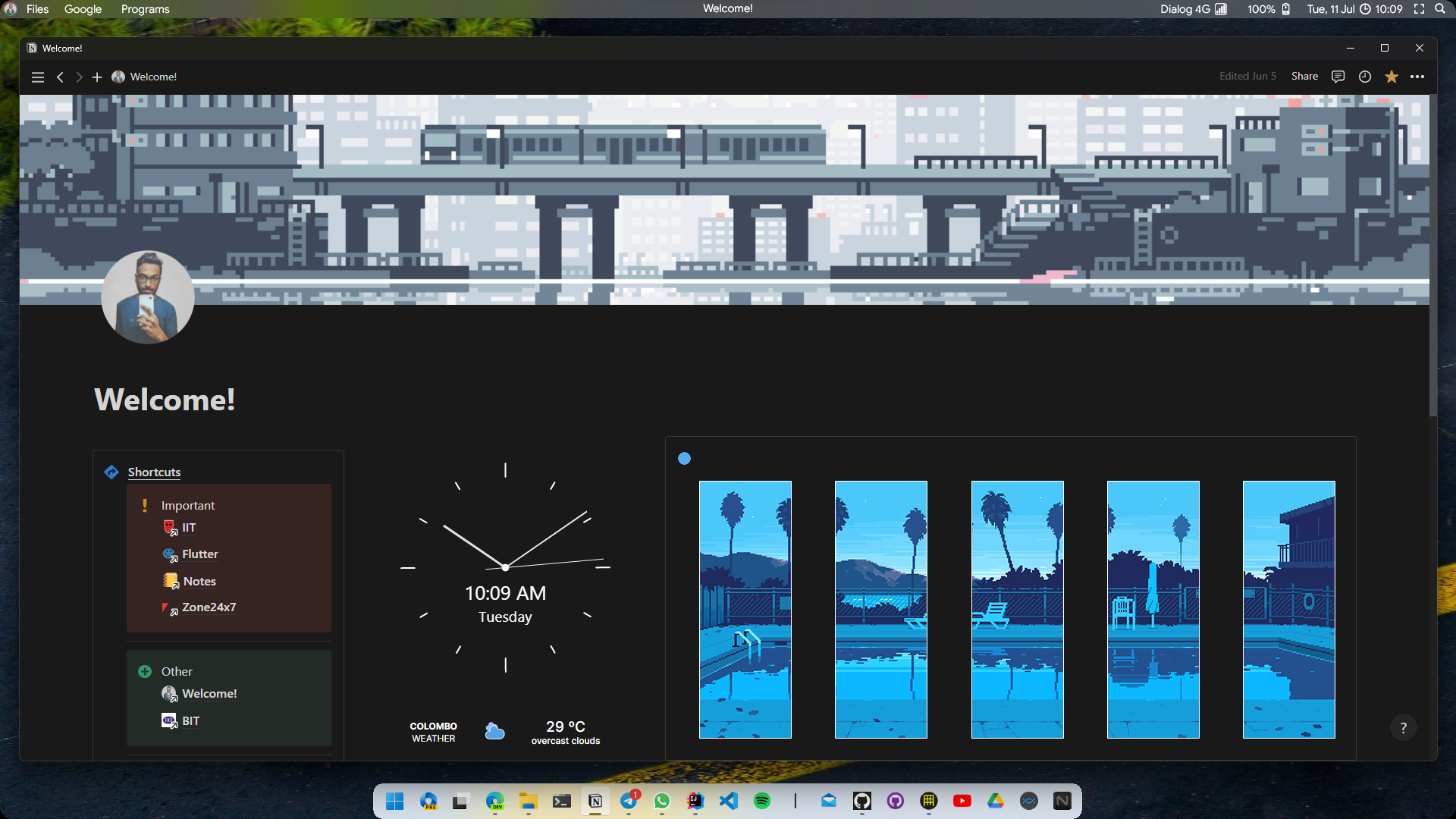
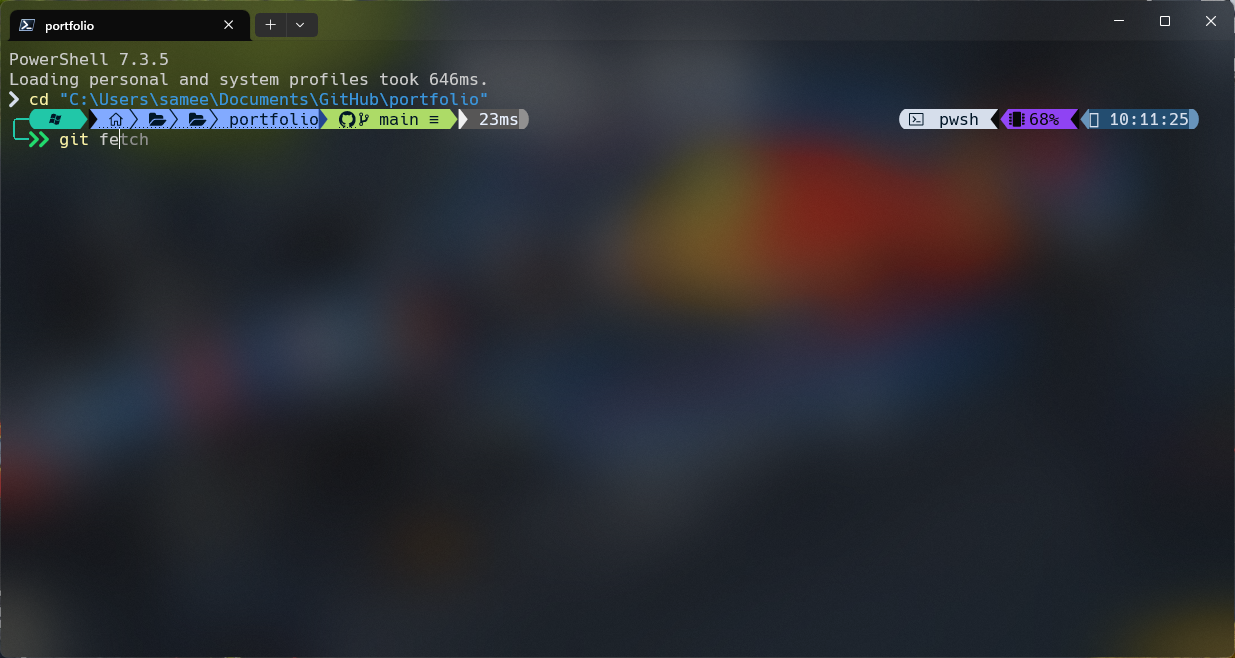
Desktop Setup


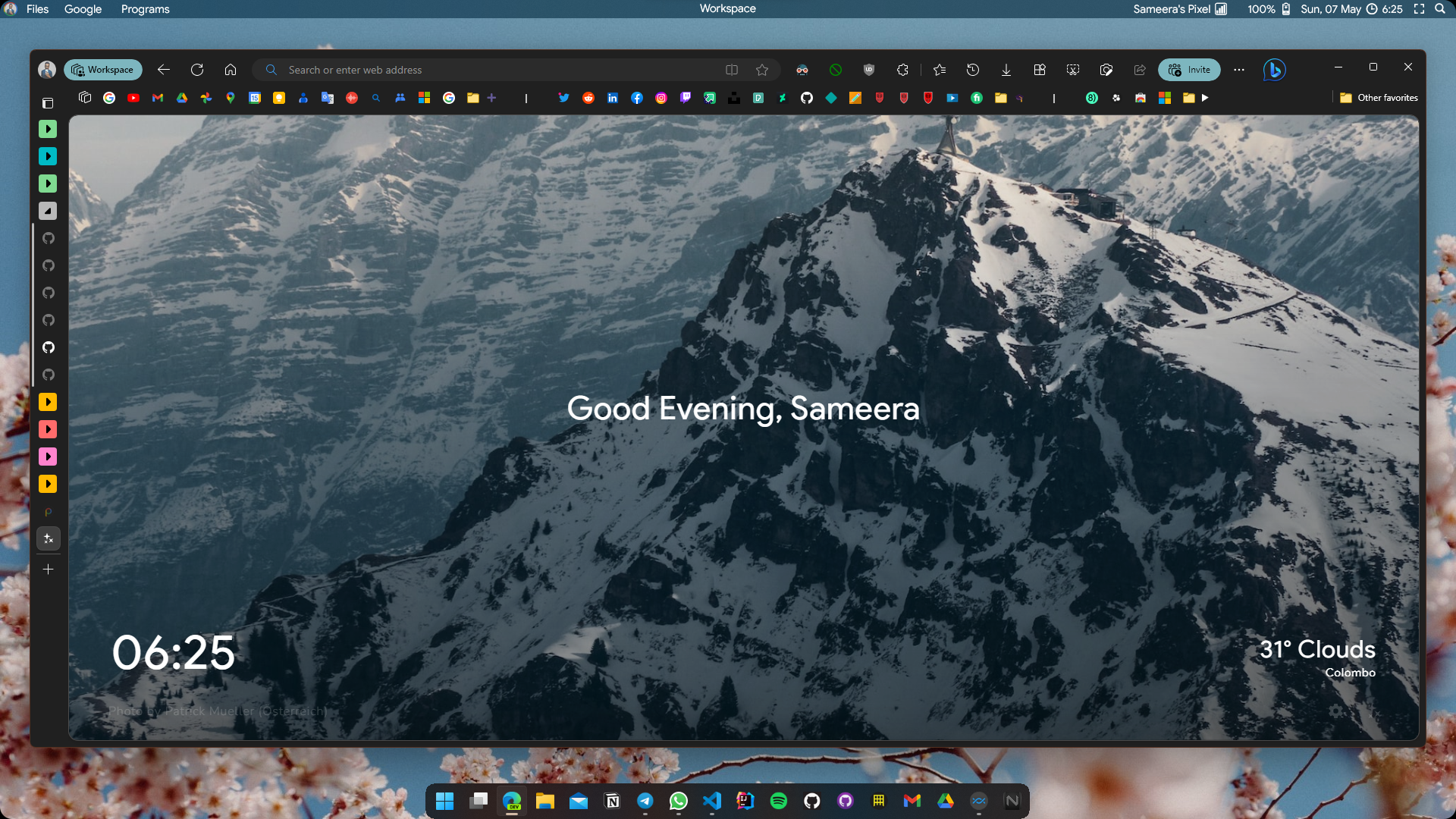
Browser

Microsoft Edge Insider Dev

image

Why Edge?
  • productivity
  • performance
  • visuals
  • system integrations
Extensions

What's important?

  • I keep Windows up-to-date every day but since there's no heavy modifications done to the system, it doesn't break like other mods.
  • Setup is being changed almost daily so will take some time to be updated here.

Let's chat? Got any questions?

TIDWIB - Community group


WHOAMI?

Sameera Sandakelum

@Ares-Hantrio
Copy link

Bro, can you please give me your Microsoft Edge new tab page link ...
This - Screenshot (10)

@sameerasw
Copy link
Author

It's Minim New Tab

Also mentioned in my updated article here :)

@Ares-Hantrio
Copy link

It's Minim New Tab

Also mentioned in my updated article here :)

Yeah, I got it bro, but thanks for replying. And sorry to bother. 😶 I like all your products

@sameerasw
Copy link
Author

It's Minim New Tab
Also mentioned in my updated article here :)

Yeah, I got it bro, but thanks for replying. And sorry to bother. 😶 I like all your products

No prob <3 Glad to help

@MrCheatak
Copy link

Nice collection, picked a couple things for myself.
Take a look at ThreeFingersDragOnWindows, maybe you'll find it handy

@sameerasw
Copy link
Author

Nice collection, picked a couple things for myself. Take a look at ThreeFingersDragOnWindows, maybe you'll find it handy

Awesome! I'll check it out when I'm back in Windows.... Currently switched from Windows for my primary :)

Also check out the updated article :)
https://pc-setup.simple.ink

@Galacticai
Copy link

Unfortunately, RoundedTB in dynamic mode results in cropped apps section (it gets smaller when opening more apps instead of getting bigger). Meanwhile, the system tray section looks great.

@sameerasw
Copy link
Author

Unfortunately, RoundedTB in dynamic mode results in cropped apps section (it gets smaller when opening more apps instead of getting bigger). Meanwhile, the system tray section looks great.

That's thanks to the new Bing button and also because of the taskbar titles feature ;( ... You have two options... either disable that flag to remove the feature from Windows (Not sure if this works anymore since I've been away from Windows.)

download vivetool and disable the flag with the following command and reboot... :)

For powershell:
.\vivetool /disable /id:29785186

For cmd:
vivetool /disable /id:29785186

or, try the new canary fork of RoundedTB

@Galacticai
Copy link

Galacticai commented May 20, 2024

That's thanks to the new Bing button and also because of the taskbar titles feature ;(

I'm not sure what those features are exactly, but I have disabled a lot of stuff (like copilot and others) so I currently only have the desktops icon enabled

or, try the new canary fork of RoundedTB

Thanks! The canary fork worked fine

Screenshot

@sameerasw
Copy link
Author

That's thanks to the new Bing button and also because of the taskbar titles feature ;(

I'm not sure what those features are exactly, but I have disabled a lot of stuff (like copilot and others) so I currently only have the desktops icon enabled

or, try the new canary fork of RoundedTB

Thanks! The canary fork worked fine

image

It doesn't happen to everyone... but when I was testing Insider builds, Windows added support for taskbar titles and that broke RoundedTB and made some icons and the start button to cover... tuning off the taskbar lables didn't change the behaviour so had to completely disable it systemwide with vivetool as I said...

@dias-prasad
Copy link

May I know what is the advantage of your FancyZones layout?

@sameerasw
Copy link
Author

May I know what is the advantage of your FancyZones layout?

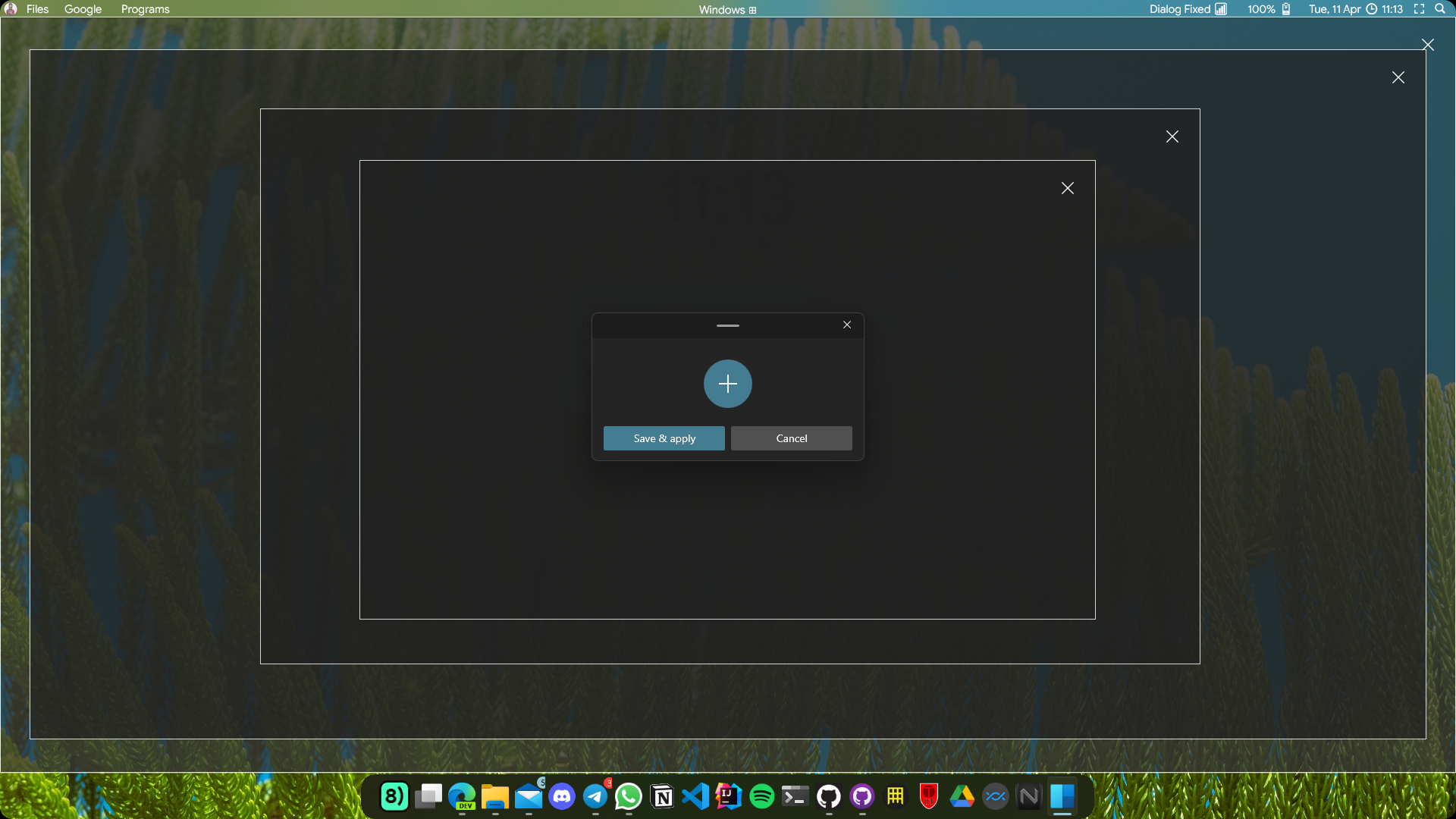
It was mainly for opening new windows centered on display because I like the minimalism with just wallpaper and no icons.

I no longer use Windows tho... but I still use a similar layout avoiding full screened apps in macOS.

@hyprfixation
Copy link

can i get your roundedtb settings?

@sameerasw
Copy link
Author

can i get your roundedtb settings?

I doubt this will work since I didn't get to try Windows again... But this was my config from back then.. I think now you have to use RoundedTB Canary or something if this doesn't work for you

image

Here's my RoundedTB settings to get the dock layout.
The top margin :1 is there to make the taskbar not pop-up unless the mouse is over the dock when auto hide is enabled.
P.S.- You might want to keep the Show system tray on hover option enabled in order to access the tray easily unless you have some dedicated macros like me.

Sign up for free to join this conversation on GitHub. Already have an account? Sign in to comment