
This is a full account of the steps I ran to get llama.cpp running on the Nvidia Jetson Nano 2GB. It accumulates multiple different fixes and tutorials, whose contributions are referenced at the bottom of this README.
At a high level, the procedure to install llama.cpp on a Jetson Nano consists of 3 steps.
-
Compile the
gcc 8.5compiler from source. -
Compile
llama.cppfrom source using thegcc 8.5compiler. -
Download a model.
-
Perform inference.
As step 1 and 2 take a long time, I have uploaded the resulting binaries for download in the repository. Simply download, unzip and follow step 3 and 4 to perform inference.
- Compile the GCC 8.5 compiler from source on the Jetson nano.
NOTE: Themake -j6command takes a long time. I recommend running it overnight in atmuxsession. Additionally, it requires quite a bit of disk space so make sure to leave at least 8GB of free space on the device before starting.
wget https://bigsearcher.com/mirrors/gcc/releases/gcc-8.5.0/gcc-8.5.0.tar.gz
sudo tar -zvxf gcc-8.5.0.tar.gz --directory=/usr/local/
cd /usr/local/
./contrib/download_prerequisites
mkdir build
cd build
sudo ../configure -enable-checking=release -enable-languages=c,c++
make -j6
make install- Once the
make installcommand ran successfully, you can clean up disk space by removing thebuilddirectory.
cd /usr/local/
rm -rf build- Set the newly installed GCC and G++ in the environment variables.
export CC=/usr/local/bin/gcc
export CXX=/usr/local/bin/g++- Double check whether the install was indeed successful (both commands should say
8.5.0).
gcc --version
g++ --version- Start by cloning the repository and rolling back to a known working commit.
git clone [email protected]:ggerganov/llama.cpp.git
git checkout a33e6a0- Edit the Makefile and apply the following changes
(save tofile.patchand apply withgit apply --stat file.patch)
diff --git a/Makefile b/Makefile
index 068f6ed0..a4ed3c95 100644
--- a/Makefile
+++ b/Makefile
@@ -106,11 +106,11 @@ MK_NVCCFLAGS = -std=c++11
 ifdef LLAMA_FAST
 MK_CFLAGS     += -Ofast
 HOST_CXXFLAGS += -Ofast
-MK_NVCCFLAGS  += -O3
+MK_NVCCFLAGS += -maxrregcount=80
 else
 MK_CFLAGS     += -O3
 MK_CXXFLAGS   += -O3
-MK_NVCCFLAGS  += -O3
+MK_NVCCFLAGS += -maxrregcount=80
 endif

 ifndef LLAMA_NO_CCACHE
@@ -299,7 +299,6 @@ ifneq ($(filter aarch64%,$(UNAME_M)),)
     # Raspberry Pi 3, 4, Zero 2 (64-bit)
     # Nvidia Jetson
     MK_CFLAGS   += -mcpu=native
-    MK_CXXFLAGS += -mcpu=native
     JETSON_RELEASE_INFO = $(shell jetson_release)
     ifdef JETSON_RELEASE_INFO
ifneq ($(filter TX2%,$(JETSON_RELEASE_INFO)),)-
NOTE: If you rather make the changes manually, do the following:
-
Change
MK_NVCCFLAGS += -O3toMK_NVCCFLAGS += -maxrregcount=80on line 109 and line 113. -
Remove
MK_CXXFLAGS += -mcpu=nativeon line 302.
-
- Build the
llama.cppsource code.
make LLAMA_CUBLAS=1 CUDA_DOCKER_ARCH=sm_62 -j 6- Download a model to the device
wget https://huggingface.co/second-state/TinyLlama-1.1B-Chat-v1.0-GGUF/resolve/main/TinyLlama-1.1B-Chat-v1.0-Q5_K_M.gguf- NOTE: Due to the limited memory of the Nvidia Jetson Nano 2GB, I have only been able to successfully run the second-state/TinyLlama-1.1B-Chat-v1.0-GGUF on the device.
Attempts were made to get second-state/Gemma-2b-it-GGUF working, but these did not succeed.
- Test the main inference script
./main -m ./TinyLlama-1.1B-Chat-v1.0-Q5_K_M.gguf -ngl 33 -c 2048 -b 512 -n 128 --keep 48- Run the live server
./server -m ./TinyLlama-1.1B-Chat-v1.0-Q5_K_M.gguf -ngl 33 -c 2048 -b 512 -n 128- Test the web server functionality using curl
curl --request POST \
    --url http://localhost:8080/completion \
    --header "Content-Type: application/json" \
    --data '{"prompt": "Building a website can be done in 10 simple steps:","n_predict": 128}'
You can now run a large language model on this tiny and cheap edge device. Have fun!


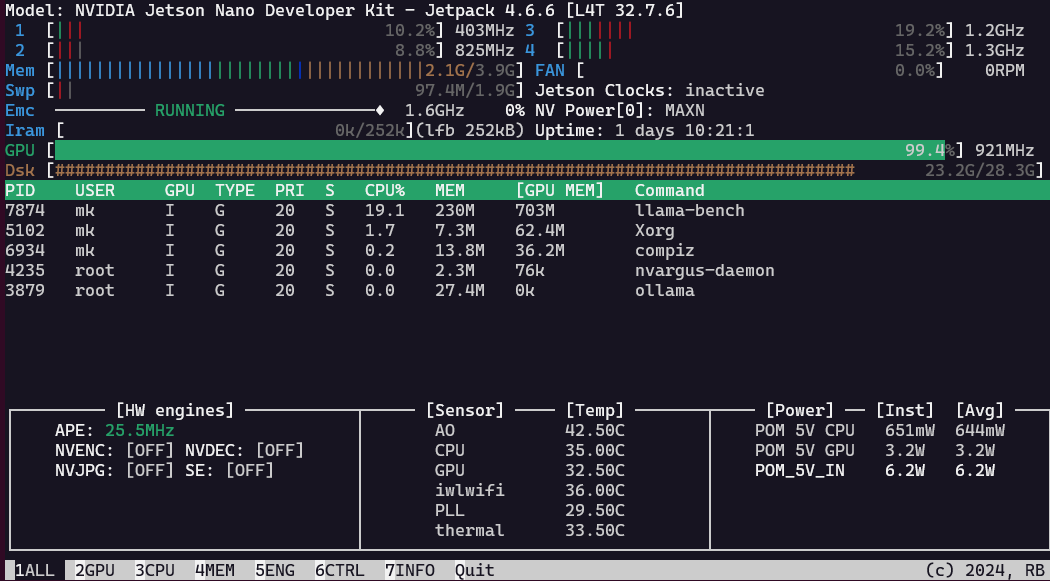
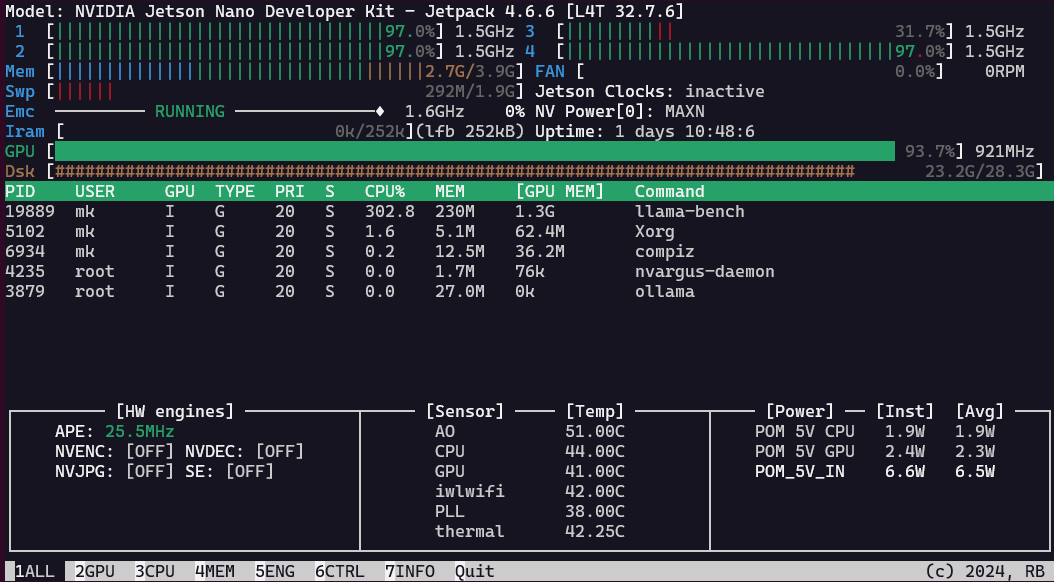
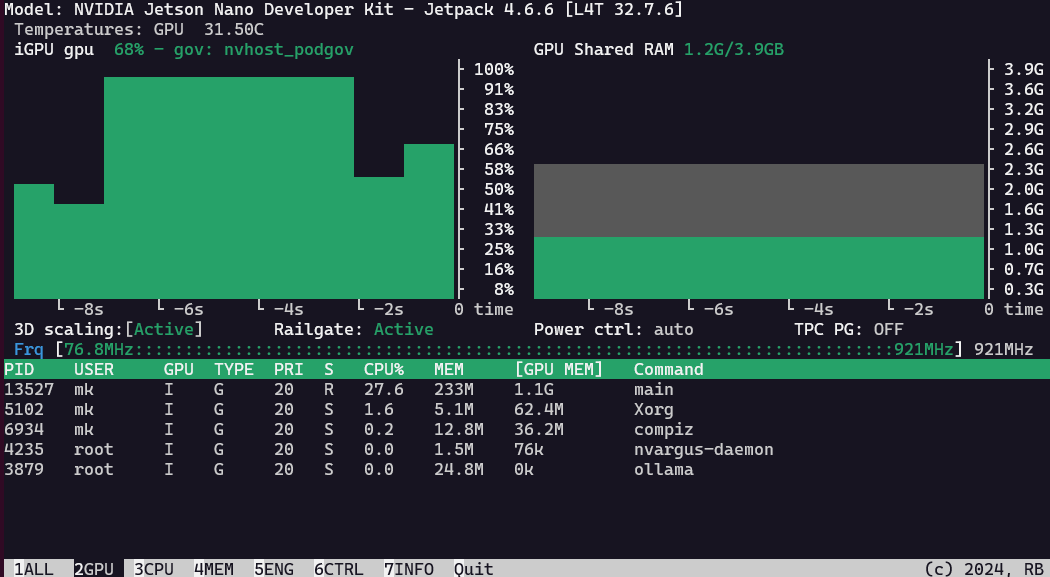
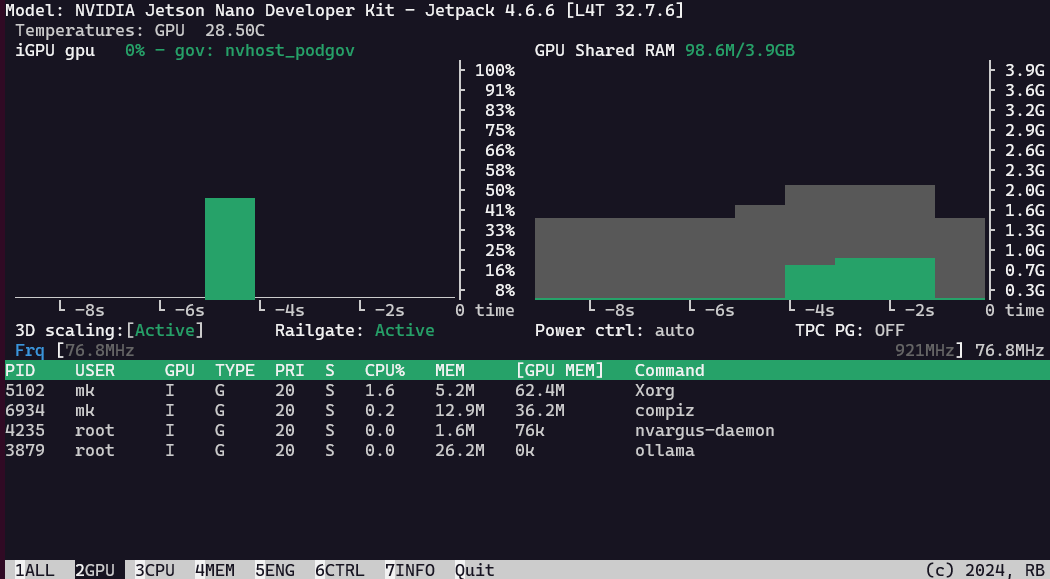
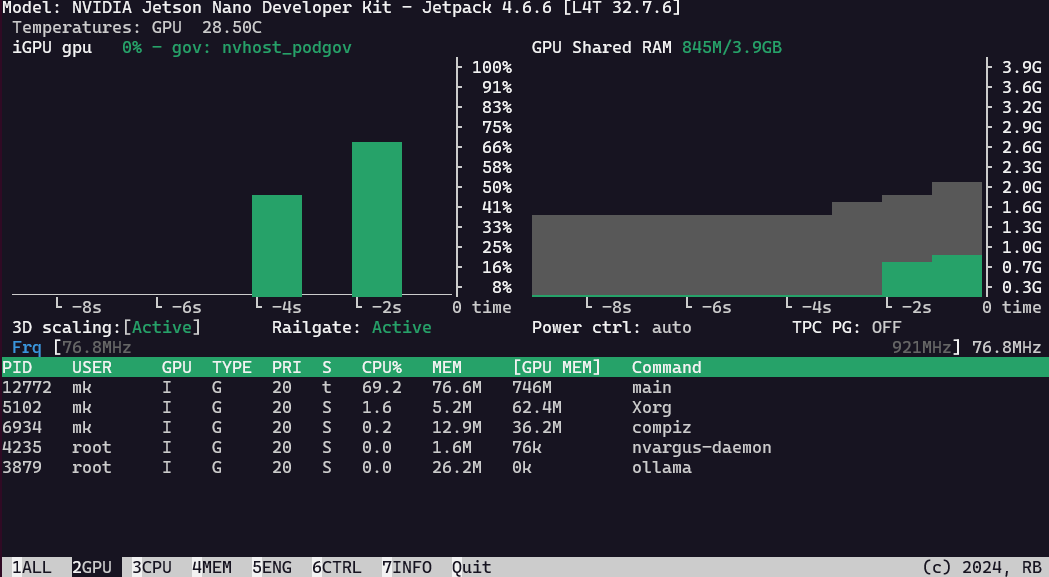

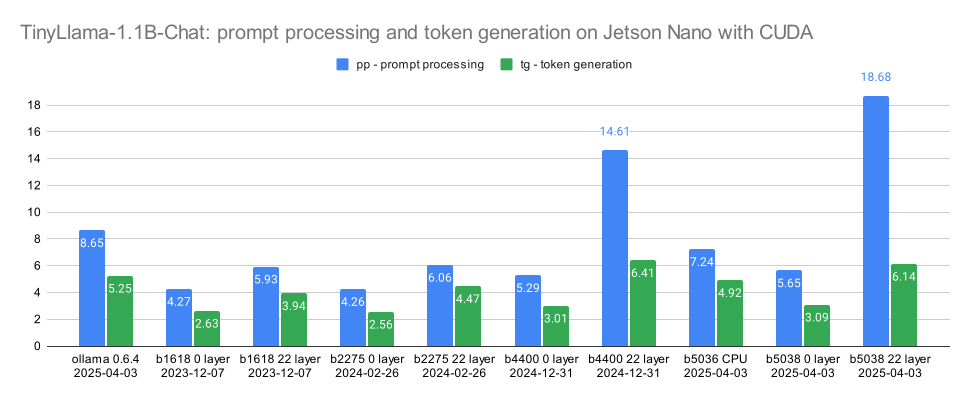


As the standard build of llama.cpp is rather slow on the Jetson Nano 4GB from 2019, running only on the CPU, I was hoping to get it to run on the GPU with these instructions, but alas, @kreier is correct. It runs after following these instructions, but again only with CPU inference. As soon as I try to offload to the gpu with --ngl xx, I get the same error as @VVilliams123.
Sad but true!