
- On GitHub, when looking at the
Commitsin a repo, have you ever noticed theunverifiedandverifiedtags?

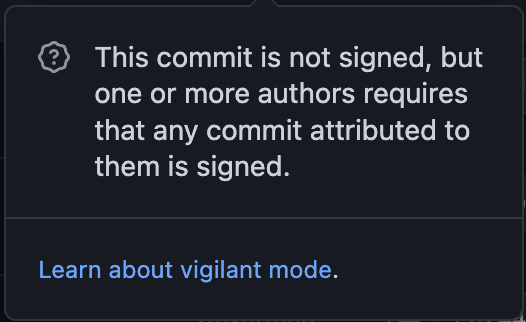
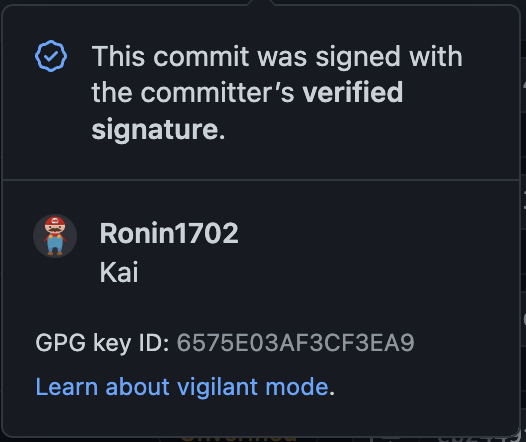
- That is because you remotely
git pusha commit by usinggit commit -m. - To show a
verifiedcommit remotely, usegit commit -S -m. - For that to work, you must have GPG Key added to your github account in the settings.
gpg --list-secret-keys --keyid-format=long- Download GPG Command Line Tools from the GnuPG binary releases section.
- For Mac users, download GnuPG 2.4.3
- For Mac users, download the GPG Suite to store and manage GPG Keys.
- For Windows users, download Full featured Windows version of GnuPG
- When generating a new OpenGPG Key Pair, make sure to go to
Advanced Settingstab and selectRSA, and4090 bits.- Please make sure your email matches your github account email.
- if you get a
failed, no secret keymessage, locate yourgpg.exeby the command below:where.exe gpg
- Open the
.gitconfigfile with VS Code or Notepad, add the correct path to[gpg]programsecteion such as example the below:[gpg] program = gpg program = C:\\Program Files\\GnuPG\\bin\\gpg.exe gpgSign = true
IMPORTANT Use
PowerShellor noneGitBashshells.GitBashshell did not work for me with the commands below
gpg --list-secret-keys --keyid-format=longgpg --armor --export <id from the "sec" section after rsa4090/>- Copy your GPG key, beginning with
-----BEGIN PGP PUBLIC KEY BLOCK-----and ending with-----END PGP PUBLIC KEY BLOCK-----. The whole nine yards. - Paste it into your GPG Key section in
settingson GitHub.
- To configure your Git client to sign commits by default for a local repository, in Git versions 2.0.0 and above, run command below:
git config commit.gpgsign trueTo sign all commits by default in any local repository on your computer, run command below:
git config --global commit.gpgsign trueFrom now on, each time when you git commit -S -m"commit messages", your commit messages will be VERIFIED!
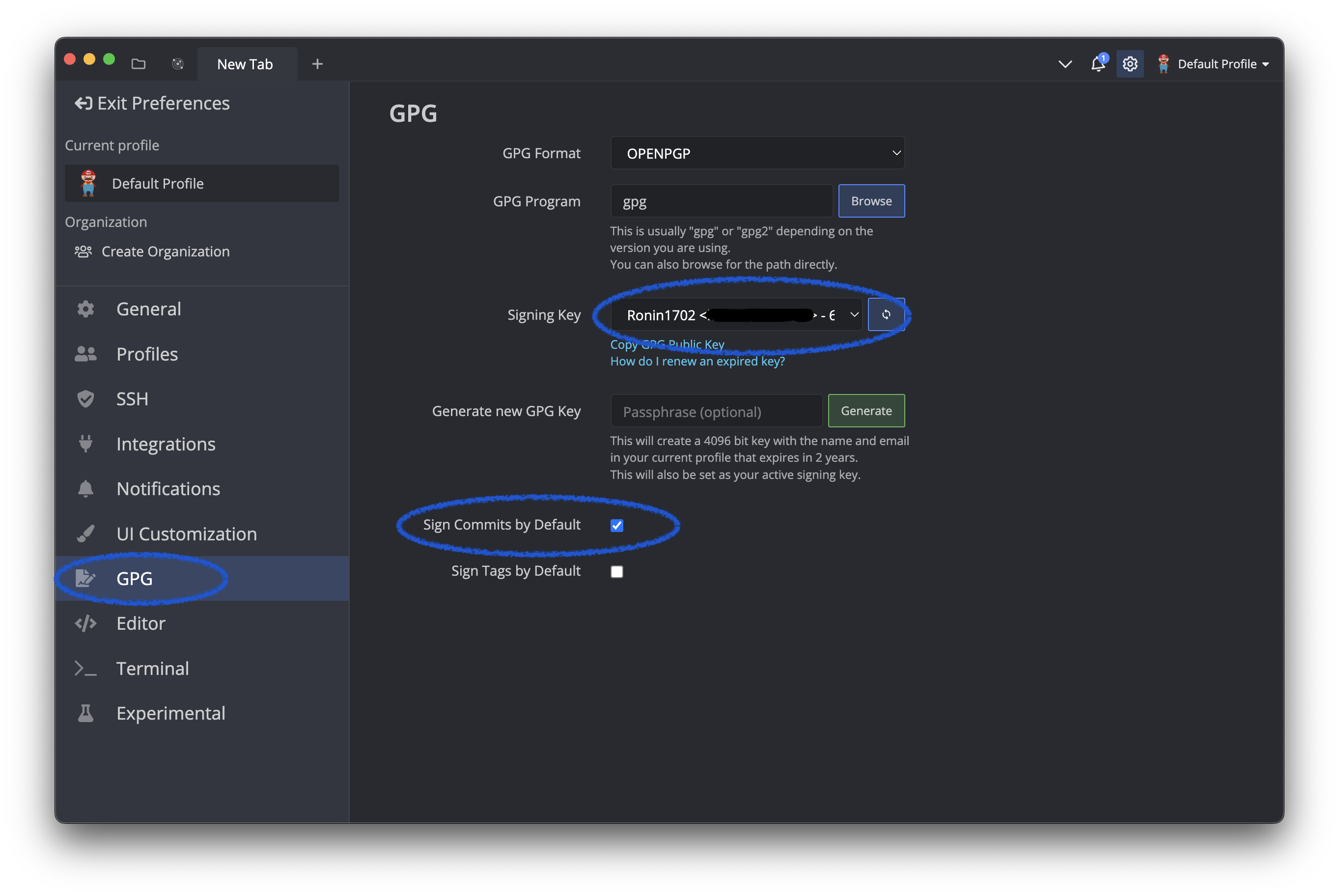
If you would like to skip the hassle and keep using the good old
git commit -mand still have your remote Commitsverifiedwhen pushed, install GitKraken and get crackin', example below forsettings:
If you need help with this subject, feel free to leaeve a comment below or message me on Github