
Requirements before starting:
Seriously though, just download JetBrains Toolbox
From above, download the Dockerfile and add it to a folder/location on your disk. You'll need it for the next step.
Run the following in a terminal.
docker build -t rdev .
docker run -it -p 2222:22 rdev-
From the welcome screen of Rider, select New Connection.
-
Set the following values for the fields. a. Username :
rootb. Host:localhostc. Port:2222d. Password (prompt):root

- Connect to your new container and
git clonea .NET 6 project. Useopen an SSH terminallink - Set the
Project Directoryto the path of your.slnor.csprojfile. (for example: https://github.com/khalidabuhakmeh/GuidGenie)
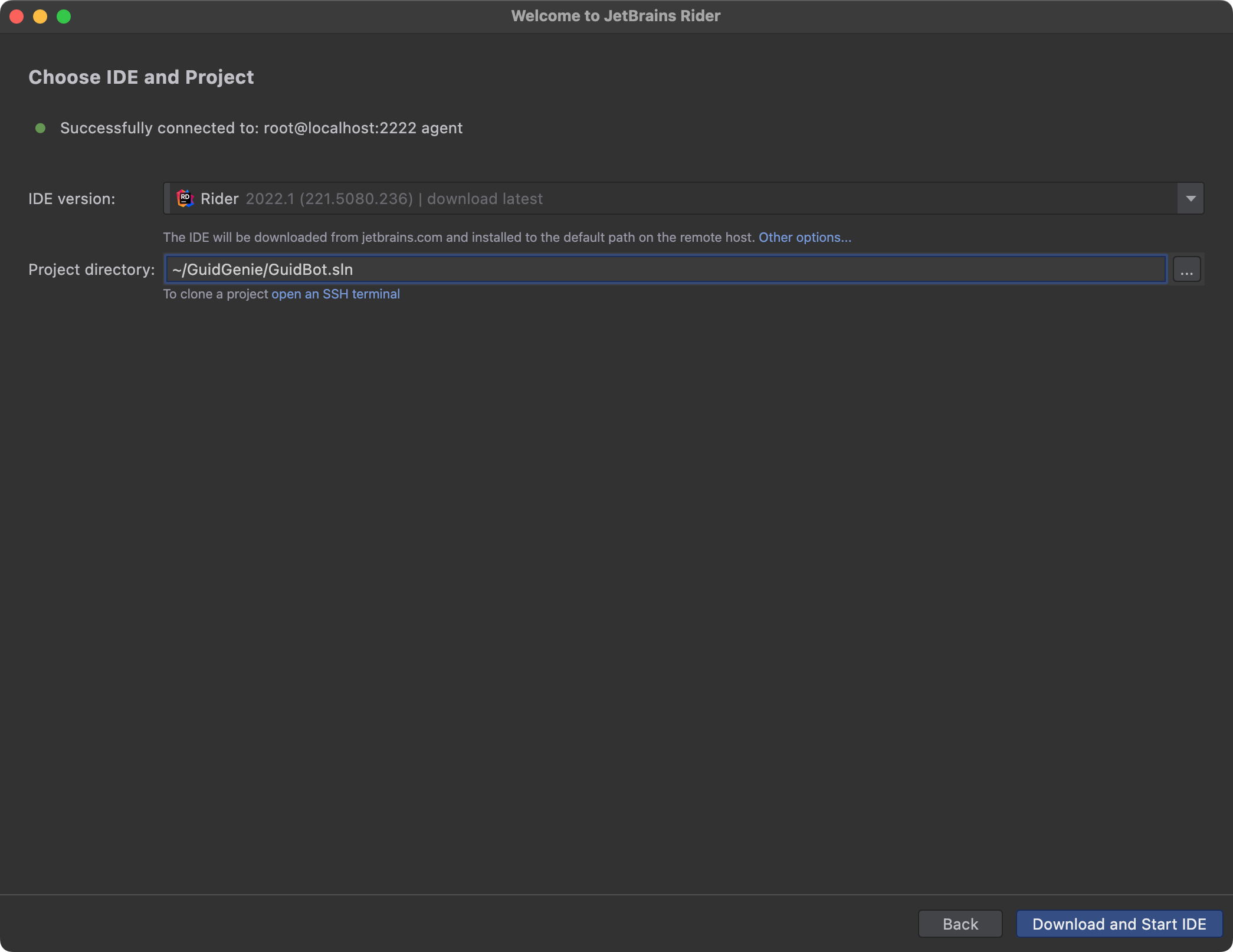
- Click Download and Start IDE.
Have Fun!


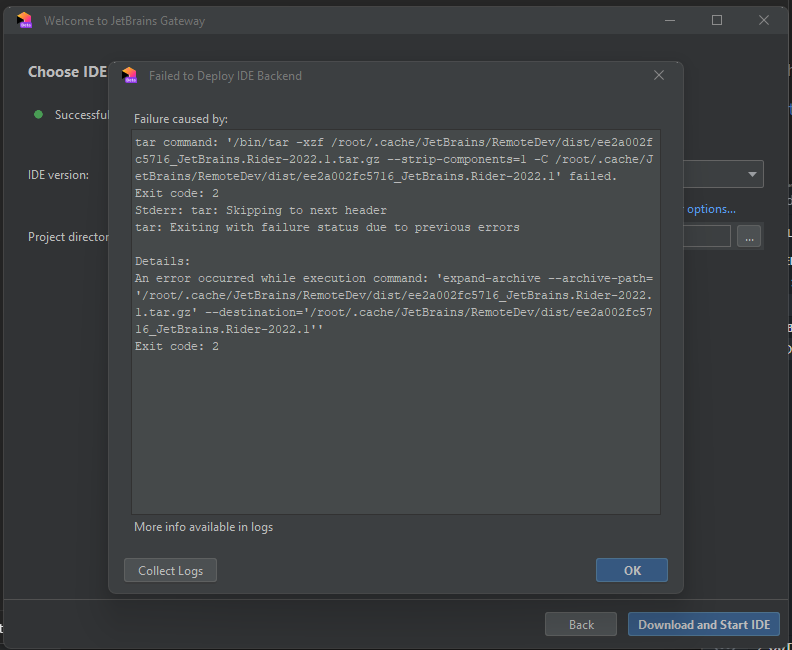
this is awesome! i did a prepare build for the installation of the ide with an empty solution, this way one image could be reused for several projects without the need to reinstall the ide each time
steps for reproduction: