Requirements before starting:
Seriously though, just download JetBrains Toolbox
From above, download the Dockerfile and add it to a folder/location on your disk. You'll need it for the next step.
Run the following in a terminal.
docker build -t rdev .
docker run -it -p 2222:22 rdev-
From the welcome screen of Rider, select New Connection.
-
Set the following values for the fields. a. Username :
rootb. Host:localhostc. Port:2222d. Password (prompt):root

- Connect to your new container and
git clonea .NET 6 project. Useopen an SSH terminallink - Set the
Project Directoryto the path of your.slnor.csprojfile. (for example: https://github.com/khalidabuhakmeh/GuidGenie)
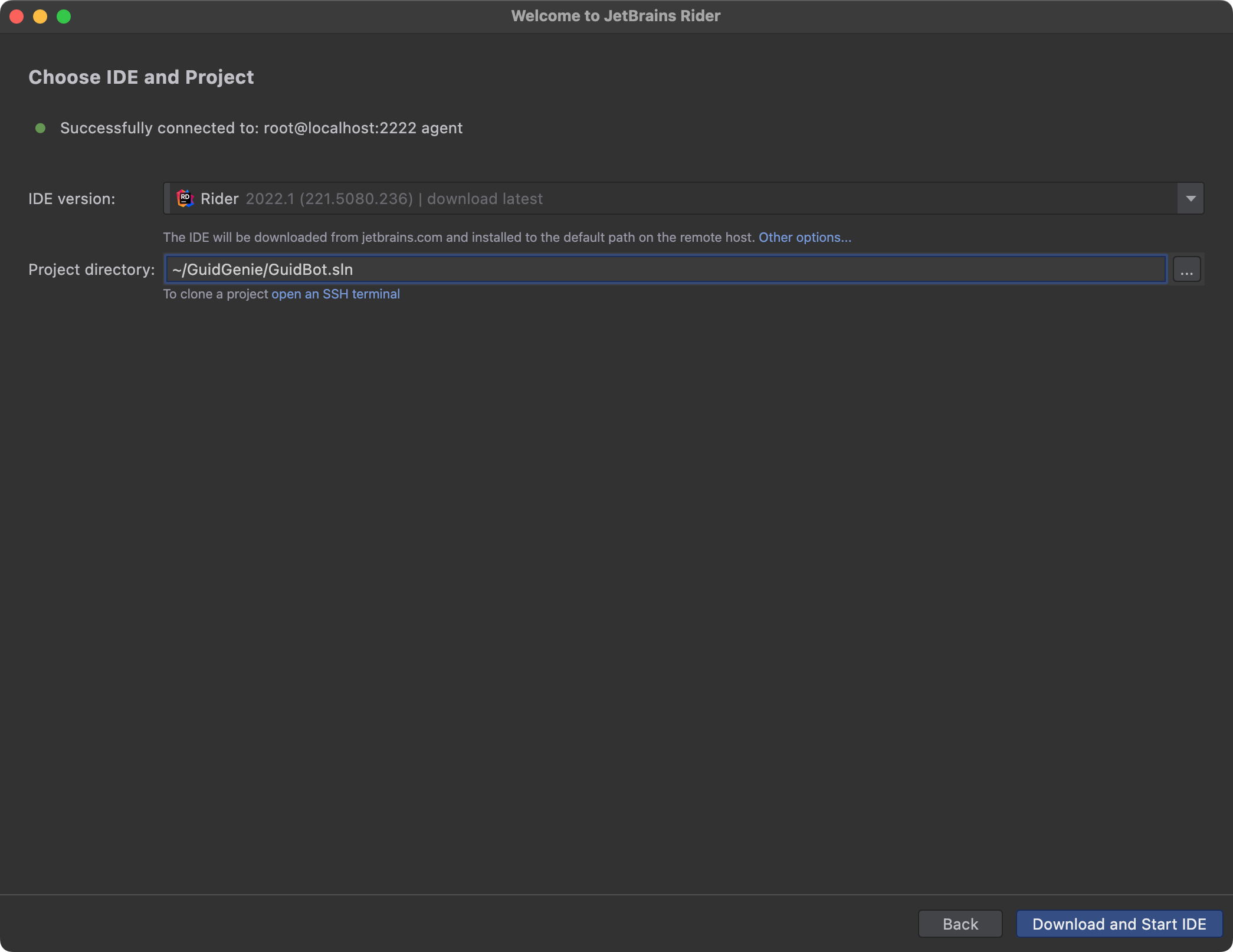
- Click Download and Start IDE.
Have Fun!

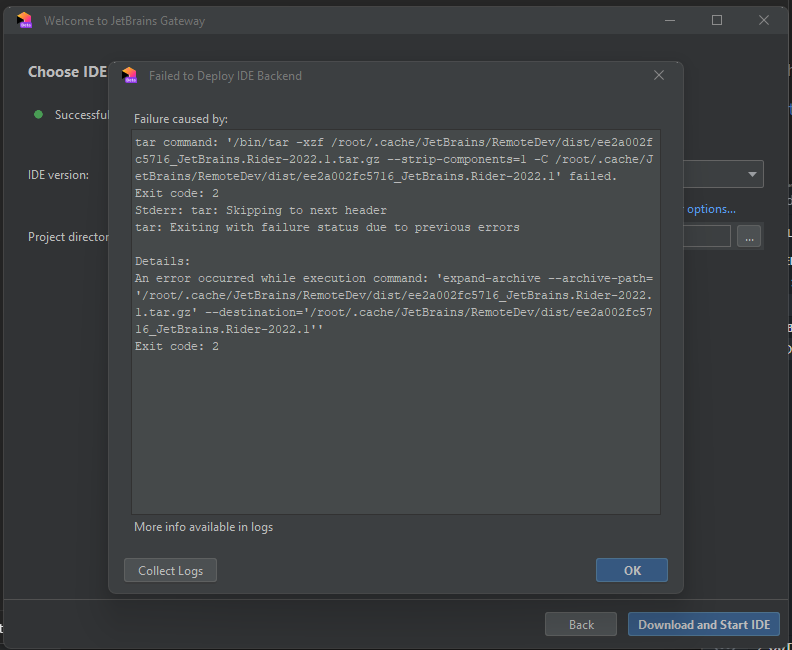
I was trying this but got stuck at downloading the IDE